HR Managers: Build a Lean Employee Directory with 3 Metrics
HR Managers: Build a Lean Employee Directory with 3 Metrics

Start by picking an owner and a source-of-truth system, then build a lean schema before you touch any software. Sync that schema to your HRIS or identity provider so it updates itself, and measure success by three things: can people find a colleague in seconds, is the data current, and do employees actually open it during the week.
TL;DR:
- A lean schema with core fields and strict permissions is essential to prevent data overload and ensure user trust during directory use.
- Connecting the directory to an authoritative HR system or identity provider enables automatic, real-time updates that minimize stale records.
- A pilot phase with one or two teams helps identify issues and refine the directory before wider deployment, reducing errors and dead links.
- Assigning a dedicated owner and setting clear policies for ongoing audits and updates sustain directory accuracy and usefulness over time.
- Using a platform that integrates with scheduling and customer tools under one login streamlines data consistency and reduces manual maintenance efforts.
Table of Contents
- Step-by-step checklist to build your directory
- The fields your schema actually needs
- Choosing the right platform for your team size
- Keeping data current through integrations
- Setting permissions and privacy rules that hold up
- Launching the directory so people actually use it
- Who owns the directory once it’s live
- What breaks directories and how to fix it
- How an integrated setup handles this in practice
- Prioritizing lean over complete
- A practical next step for small teams
- Sources
- FAQ
Step-by-step checklist to build your directory
Building a directory that survives past launch week means working in order: plan, collect, structure, import, test, then pilot.
- Define the purpose and audience. Decide whether this directory serves internal lookups only, or also supports customer-facing teams and vendors.
- Scope fields by role. Field staff may need a phone extension and location; office staff may need a desk number or Slack handle instead.
- Choose a collection method. An HR system export, a CSV template, or an employee self-service form all work; vendor templates show that a spreadsheet-based template can get a small team running the same day.
- Prepare the import. Deduplicate records, standardize job titles, and map each person to a manager before you load anything.
- Build views and test search. Create at least one view by department and one by location, then search for five real names to confirm results return fast and accurately.
- Pilot with one or two teams. Fix whatever breaks, whether that is a missing field or a confusing layout, before rolling out company-wide.
This sequence matters because skipping steps, especially the pilot, is how directories launch with duplicate entries and dead links on day one.
The fields your schema actually needs
A directory with too many fields collects junk data; one with too few frustrates the people using it. Start with a minimal, enforced schema and expand only when a real business need shows up.
- Core fields: full name, preferred name, job title, department, manager, work email, work phone or extension, location or time zone, and a profile photo.
- High-value optional fields: pronouns, preferred contact channel, relevant skills, and a short “how to work with me” note.
- HR-only fields to restrict: salary, national ID numbers, home address, and emergency contacts, none of which belong in a general directory view.
- Visibility rules: tag every field as public, manager-only, or HR-only so permissions are built into the schema, not bolted on later.
- Validation controls: use dropdowns for department and title where possible, mark required fields, and reject blank submissions before they enter the system.
Controlled vocabularies solve a problem that free-text fields create constantly: five different spellings of the same department name.
Choosing the right platform for your team size
A spreadsheet works fine for a handful of employees, but it breaks down fast once you need permissions, search, or mobile access. Match the platform to your team’s size and complexity rather than defaulting to whatever tool is already open.
- Spreadsheet: acceptable for very small teams, but manual updates and no access control make it risky past a dozen people.
- Configurable work platform: gives small and midsize businesses custom views, automation rules, and mobile access without the overhead of a full HR system.
- Dedicated HRIS or directory tool: justified once you need role-based permissions, single sign-on, or integration with payroll and benefits systems.
- Must-have features regardless of platform: import and export tools, role-based access control, fast search, mobile access, and single sign-on provisioning.
Pro Tip: Test search speed with a nickname or partial name before you commit to a platform. If it can’t find “Bob” for “Robert,” your employees won’t trust it either.
Keeping data current through integrations
A directory that isn’t connected to an authoritative system goes stale within weeks. Make your HRIS or Azure AD the source-of-truth, and let it push updates automatically rather than relying on someone remembering to edit a spreadsheet. A SharePoint-based directory built on Azure AD and Gallery View, for example, can pull employee data straight from Microsoft 365 rather than requiring manual entry.
- Sync cadence: real-time sync catches changes immediately, while daily or weekly syncs are lighter on system resources but introduce lag.
- Collaboration tool links: connecting Slack, Microsoft Teams, or calendar apps lets employees message or schedule with a colleague straight from their directory profile.
- Audit visibility: show a “last updated” timestamp on every profile and keep sync logs so you can trace when and why a record changed.
Setting permissions and privacy rules that hold up
Employees trust a directory more when they know exactly who can see what. Build field-level permissions into the system from the start rather than treating privacy as an afterthought.
- Define three view levels: public (name, title, department), manager (adds performance-adjacent notes), and HR-only (compensation, personal identifiers).
- Require SSO and multi-factor authentication wherever the platform supports it, and log every access and edit for accountability.
- Set a policy for contractors and alumni. Decide whether contractors appear in a separate view and how quickly departed employees are removed or archived.
- Write retention and offboarding rules so records don’t linger indefinitely after someone leaves.
Pro Tip: Give managers edit rights over their own team’s non-sensitive fields. It distributes the maintenance load without opening HR-only data to the wrong people.
Launching the directory so people actually use it
A directory nobody opens is a wasted project. Launch it the way you’d launch any internal tool: small, then wider, with a reason for people to log in on day one.
- Pilot with one or two teams, gather feedback for a week, then refine before a full rollout.
- Require one initial action, such as verifying your own profile or uploading a photo, to force early engagement.
- Add directory tasks to onboarding. Make profile setup part of Day 1 checklists and reference it again in manager 30/60/90 reviews.
- Track three numbers, profile completeness, search success rate, and average time-to-find, to know whether adoption is real or just theoretical.
Who owns the directory once it’s live
A directory without an owner drifts into disrepair within a quarter. Assign a named steward, usually someone in HR or IT, along with an executive sponsor who can enforce compliance across departments.
- Publish the operating model so employees know who to contact when a field is wrong or a profile is missing.
- Automate sync wherever possible, then run a quarterly manual audit to catch what automation misses, a practice consistent with SHRM’s guidance on tying employee-record updates to documented HR processes.
- Require manager confirmations during regular review cycles and add a simple “suggest an edit” link on every profile.
- Track freshness and adoption as KPIs, not just as launch metrics you check once and forget.
What breaks directories and how to fix it
Most directory failures repeat the same handful of mistakes.
- Field overload: trim the schema back to essentials and validate every entry before it saves.
- No clear owner: assign a steward and set a service-level agreement for how fast edits get processed.
- Poor search results: add synonyms, tune relevance ranking, and test with real employee names, not sample data.
- Stale records: connect to an authoritative sync source and back it up with a scheduled audit, since manual updates alone rarely hold up past a few months.
How an integrated setup handles this in practice
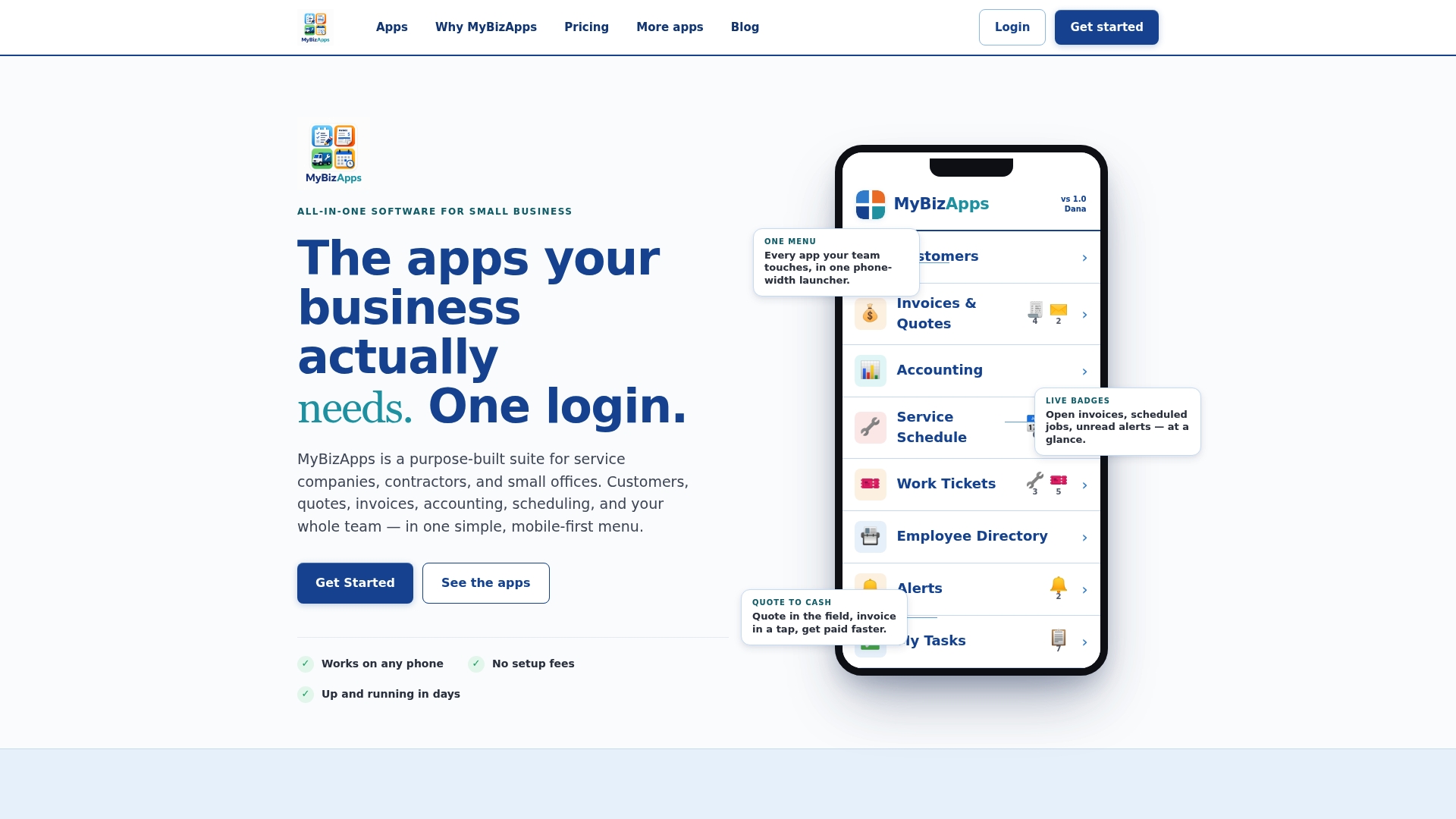
A platform where scheduling, customer records, and employee profiles share one login removes a common failure point: data living in three disconnected tools. MyBizApps structures its employee directory alongside its scheduling and customer portal modules under a single mobile-first login, so a technician’s profile, availability, and assigned jobs stay in the same system rather than three separate ones. That single-login structure supports the accuracy goals in this guide because there’s one place to update, not several.

Prioritizing lean over complete
Start with the fewest fields that solve real problems, assign an owner immediately, and only automate sync once manual updates start slipping. Privacy and usefulness pull in opposite directions. Resolve that tension with field-level permissions, not by adding more approval steps.
— Philip
A practical next step for small teams
If you’ve followed this checklist and want the schema, permissions, and sync patterns running without building each piece separately, some platforms bundle an employee directory with scheduling, a customer portal, and billing under one login. That structure means a technician’s contact details and job assignments update from a single record instead of three disconnected tools. You can review plans, including Bookings, Service Scheduling, and the Customer Portal, on the MyBizApps pricing page, or check plan details on the price sheet before deciding what fits your team.
Sources
For deeper detail, see SHRM’s onboarding process resources, the Workable directory tutorial, and PR Newswire’s coverage of G2’s Spring 2026 rankings.
FAQ
What is the best free employee directory software?
There’s no single best free option since needs vary by team size and existing tools. Small teams already on Microsoft 365 can build a functional directory in SharePoint using Gallery View and lists, while others start with a free spreadsheet template and upgrade once they outgrow manual updates.
How can I create an employee database?
Start by defining a lean schema with fields like name, title, department, and manager, then collect data through an HR export, CSV upload, or self-service form. Import the cleaned data into your chosen platform, test search functionality, and pilot with one or two teams before rolling it out company-wide.
Can you provide an example of an employee directory?
A basic example includes profile photo, name, job title, department, manager, work email, and location, organized into searchable views by team or office. Platforms like MyBizApps structure this alongside scheduling and customer records under one login so profile data stays current across modules.
Is Employee Directory 365 free?
Pricing and availability for specific named products like this vary and aren’t publicly listed here, so check the vendor’s own site for current terms. Many Microsoft 365 based directory setups, such as those using SharePoint lists, can be built using tools already included in an existing 365 subscription rather than requiring a separate purchase.