Stop Lost Files: Customer Portal Documents, Security, and Integration
Stop Lost Files: Customer Portal Documents, Security, and Integration

Customer portal documents are the invoices, contracts, drawings, receipts, and attachments stored in a secure, account-specific area of a business’s website. Once you log in, you can typically view and download files, accept or sign agreements, pay invoices directly, and in some portals upload your own attachments. Platforms like MyBizApps build this document access into a single login alongside billing and scheduling.
TL;DR:
- Most portals organize files by function, so checking within invoices or project records can help locate attachments if tabs are empty.
- Secure portals use TLS 1.2 or 1.3 and AES-256 encryption, with multi-factor authentication and role-based permissions to protect documents.
- Access is typically quick, involving straightforward login, navigation through search or filters, and options for single or bulk downloads via secure links.
- Consistent naming, versioning, and metadata implementation improve document retrieval and retention, reducing support requests over missing files.
- An integrated platform with a single login, like MyBizApps, provides reliable, synchronized access to documents, billing, and scheduling, enhancing user experience.
Table of Contents
- Common document types you’ll find in customer portals
- How to access, download, and retrieve documents
- Security, permissions, and audit trails you should expect
- Integrations, webhooks, and realistic limitations
- Best practices for organizing, naming, and retaining portal documents
- Author’s perspective and how an integrated platform helps
- How MyBizApps handles customer portal documents
- FAQ
- Sources
Common document types you’ll find in customer portals
Most portals organize files by function rather than dumping everything into one folder, so knowing the categories helps you find what you need faster.
- Invoices and credit notes: itemized charges, payment status, and any adjustments tied to your account.
- Estimates, quotes, and approved work orders: the proposal you accepted and the scope it locked in.
- Contracts, change orders, and signed agreements: the legal record of what was promised and what changed mid-project.
- Project drawings, specifications, and deliverable reports: technical files for contractors, designers, or service providers.
- Receipts, tax forms, and supporting attachments: photos, scanned PDFs, or other proof tied to a transaction.
Not every portal shows all of these at once. Many only display a Documents tab when there is actually something attached to your account, so an empty or missing tab usually means no files have been uploaded yet rather than a broken feature. If you expected a drawing or signed change order and don’t see it, check the related invoice or project record first since some portals nest attachments inside those views instead of a standalone folder.
How to access, download, and retrieve documents
Getting to your files is usually a short process, but it helps to know what’s happening behind the login screen.
- Authenticate: log in with your account credentials; many portals require a one-time code or app-based confirmation for sensitive sections.
- Session creation: for API-driven portals, the platform generates a temporary portal session and redirects you to a short-lived, secure URL rather than a permanent page, as documented in Stripe’s customer portal integration guide.
- Navigate: look under a Documents tab, inside an invoice’s attachment list, or within a project folder; use search or filters if the portal offers them.
- Download: choose single-file downloads, a bulk ZIP export for multiple files, a print-to-PDF option, or a CSV export if you need raw data rather than formatted documents.
- Use deep links: some portals send email links that jump straight to a specific invoice or document instead of the general dashboard.
- Escalate if needed: if a file is missing, note your customer ID, the approximate date, and a screenshot of what you see, then contact support with those details.
Pro Tip: Save deep links from email notifications instead of bookmarking the portal homepage; they often expire slower and take you straight to the document you need.
Security, permissions, and audit trails you should expect
A trustworthy portal protects your documents the same way a bank protects account statements, through layered technical and procedural controls rather than a single password screen.
- Encryption: data should be encrypted in transit using TLS 1.2 or 1.3 and at rest using AES-256 or an equivalent standard, a baseline described in the Kinaxis trust center.
- Authentication: every user needs a unique account, and multi-factor authentication should be required for administrative or financially sensitive access.
- Permissions: access should be tied to the specific contract or account a person belongs to, not just a generic role, since entitlement management prevents someone from seeing files for an account they’re not actually part of.
- Audit trails and versioning: logs should record who opened a document, when, and from what device, with version history preserved rather than overwritten.
- Tenant isolation: the underlying architecture should separate each customer’s data so a query error in one account can never surface another customer’s files, an approach outlined in Microsoft’s multitenant storage guidance.
A portal with real audit controls keeps an immutable record of access, which matters most when a dispute arises months after a project closes and someone needs to prove who saw or changed a file, a requirement covered in guidance on document version control.
Integrations, webhooks, and realistic limitations
If you’re the one setting up or evaluating a portal rather than just using one, the technical plumbing matters as much as the interface.
- API flow: configure portal settings, create a session for the authenticated customer, and redirect them to the short-lived URL rather than embedding a permanent link.
- Webhooks: systems typically listen for events like a subscription update, a paid invoice, or a changed customer record to keep access and billing status in sync.
- Limitations to check: session links expire, some portals run invoice-only with no document management, and language or payment method support varies by configuration.
- Branding: confirm whether the portal is fully branded to the business or shows a co-branded third-party interface, since this affects the customer experience.
- Testing: use sandbox or preview modes to confirm allowed actions, verify webhook retry behavior, and check that deep links actually land where expected before going live, a practice recommended in Stripe’s integration documentation.
Teams evaluating hosting or migration options for portal storage sometimes bring in outside help for the underlying infrastructure, which is where services like cloud migration support come into play for businesses scaling past a basic setup.
Best practices for organizing, naming, and retaining portal documents
Clear rules for publishing files save support teams from repeated “where is my document” tickets.
- Naming convention: include the project or contract ID, a date in YYYYMMDD format, the document type, and a version number in every filename.
- Versioning: publish each update as a new immutable version and show visible version history so customers see what changed and when.
- Metadata: attach searchable details like invoice number, purchase order, or project phase so files surface in search instead of requiring a folder hunt.
- Retention: keep recent documents easily accessible, archive older versions with clear labels, and offer export options so customers can keep their own copies.
Pro Tip: A consistent naming pattern matters more than a fancy folder structure; most customers find files through search, not browsing.
Author’s perspective and how an integrated platform helps

The recurring complaint I hear about customer portals isn’t missing features, it’s inconsistency: an attachment that exists on one invoice but not another, a permission that works for one project and breaks for the next, a version history that simply doesn’t exist. Most of these problems trace back to document access being bolted onto a system after the fact rather than built in from the start.
A platform where billing, scheduling, and document storage share one login and one entitlement model avoids a lot of that friction, because a customer’s access doesn’t depend on three different systems agreeing with each other. That consistency, more than any single feature, is what makes a portal feel reliable instead of frustrating.
— Philip
How MyBizApps handles customer portal documents
We built the Customer Portal into the same mobile-first login as invoicing, scheduling, and accounting, so documents live next to the billing activity they relate to instead of sitting in a separate system you have to remember to check. Customers can view invoices, download attachments, and handle payments from one place, while your team manages entitlements without juggling multiple admin panels.
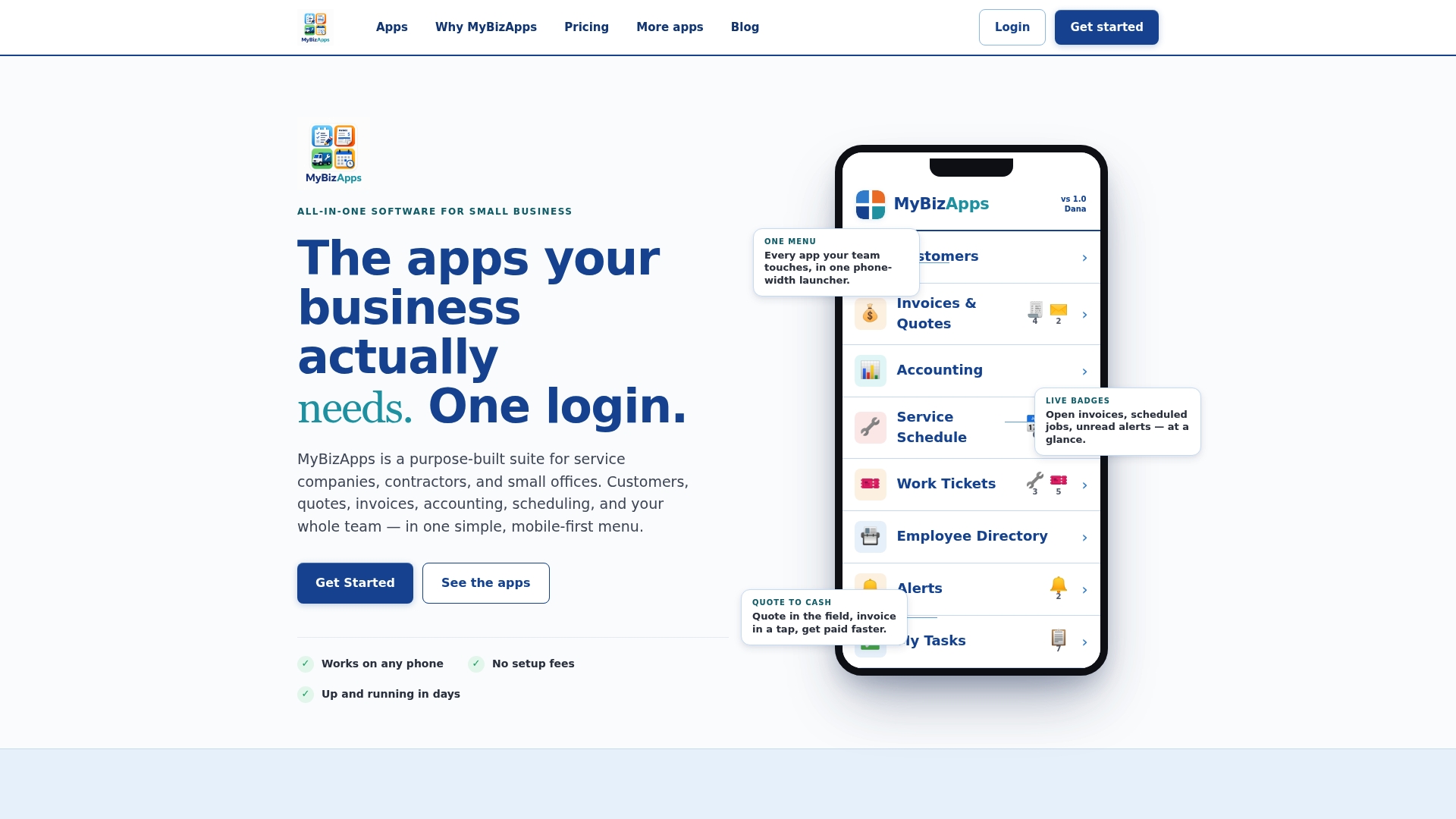
- One login covers customer records, invoices, and portal documents together.
- Access and billing data stay in sync because they run on the same platform instead of two connected ones.
- The Customer Portal plan runs $21 per month alongside other modules you can add as needed.
If you want the full breakdown of what’s included, our price sheet lays out every module and cost so you can see exactly what fits your operation before you commit.
FAQ
Can you give me some examples of customer portals?
Examples include billing portals built into platforms like Stripe, accounts-receivable portals such as the one described in Invoiced’s documentation, and all-in-one business platforms like MyBizApps that combine document access with scheduling and invoicing under one login. Each generally differs in whether it offers invoice-only access or broader document and payment management.
What is a document portal?
A document portal is a secure online area where files tied to an account, such as invoices, contracts, or reports, are stored and made available to the people authorized to see them. It typically includes login authentication, permission controls, and a way to search or download specific files rather than browsing a flat folder.
What is a customer portal?
A customer portal is a private, login-protected section of a business’s digital platform where a customer can manage their own account details, view billing history, download documents, and sometimes make payments or submit requests. It centralizes account-specific information that would otherwise require a phone call or email to access.
Can you give me an example of a portal?
A common example is an invoicing portal where you log in, see a list of past invoices, download the PDFs, and pay an outstanding balance directly, a pattern described in Stripe’s customer portal overview. Platforms aimed at service businesses often extend that same portal to include contracts, project files, and scheduling information.
How do customer portals keep my documents secure?
Portals built to current standards encrypt data in transit with TLS 1.2 or 1.3 and at rest with AES-256, as outlined in the Kinaxis trust center, and pair that with multi-factor authentication and role-based access controls. These layers work together so that even if one control fails, others still limit who can reach your files.
Sources
- Integrate the customer portal with the API — Stripe docs
- The significance of document version control and revision control
- Kinaxis trust center