30–60 Day Pilot Reduces Downtime: Cycle Counting for Service Fleets
30–60 Day Pilot Reduces Downtime: Cycle Counting for Service Fleets

Yes, cycle counting works for service inventory: when tailored to trucks, van stock, and repair parts, it reduces downtime and shrinkage while improving billing accuracy. The methods differ from warehouse counting because stock sits scattered across vehicles and technicians instead of one building. The sections below cover methods, a planning checklist, execution steps, reconciliation, and KPIs so you can run counts without stalling jobs.
TL;DR:
- Cycle counting for service inventory prioritizes high-value and mission-critical parts by counting A items weekly and C items quarterly, aligning efforts with item importance.
- Counting should be done on a rotating schedule with clear owner assignment, immediate device synchronization, and variance thresholds to ensure accuracy and prevent delays.
- Discrepancies are flagged for immediate investigation, with adjustments made for mislabeled items, reorder points, or items exceeding variance thresholds, to prevent stockouts.
- Integrating counts with work tickets and mobile platforms simplifies reconciliation, reduces errors, and creates traceability connecting parts to jobs and revenue.
- Starting small with pilot counts on a single truck and scaling up gradually helps optimize effort versus benefit, especially for low-value consumables where flat fees may suffice.
Table of Contents
- What cycle counting means for service inventory
- Choosing a method and frequency that fits your parts mix
- Planning and preparation checklist for service inventory counts
- How to run the count: a step-by-step workflow
- Handling discrepancies and corrective actions
- Metrics and KPIs to track after you start counting
- Applying cycle counting with an integrated service platform
- Trade-offs for small service fleets and the case for a flat truck charge
- How MyBizApps supports cycle counting for service inventory
- Checklists and templates worth downloading
- Sources
- FAQ
What cycle counting means for service inventory
Cycle counting is a method of checking inventory accuracy by counting a subset of items on a rotating schedule instead of shutting everything down for one giant count once a year. It audits a portion of stock on a rolling basis, catching discrepancies before they cause shortages, which fits naturally with perpetual inventory systems and the work-ticket flow already used in most service businesses, according to HBK CPA’s overview of cycle counting.

Warehouse counting has one advantage service businesses do not: everything sits in a single location with fixed shelves. Service inventory lives in vans, trucks, technician bags, and sometimes a customer’s job site, so a count plan has to follow the stock rather than the building.
That difference changes when a full physical inventory makes sense versus when cycle counts are the better tool:
- A full annual count still has value for financial audits and year-end reconciliation.
- Cycle counting catches errors week to week, before they turn into a missed part on a job.
- Service fleets with high part turnover benefit most because stock levels change daily, not seasonally.
Choosing a method and frequency that fits your parts mix
Not every part on a truck deserves the same attention. ABC classification sorts inventory by value and criticality: A items are expensive or mission-critical (OEM compressor parts, specialty seals), B items are mid-value consumables, and C items are cheap, high-volume parts like wire nuts or fasteners. The 80/20 rule applies the same logic: a small share of SKUs typically drives most of the value, so counting effort should follow that weight rather than spreading evenly.
Three counting styles cover most service scenarios:
- Scheduled counts: planned on a calendar, good for A items that need frequent verification.
- Spot checks: unscheduled, quick counts triggered by a job delay or a suspicious stock level.
- Blind counts: the counter has no visibility into the expected quantity, which catches bias or sloppy habits that scheduled counts can miss.
Frequency should track criticality. A items generally warrant daily or weekly checks, B items monthly, and C items quarterly. Any item tied to a safety issue, a recall, or a repeated billing dispute should get an immediate check regardless of its class.
Planning and preparation checklist for service inventory counts
Preparation determines whether a count produces trustworthy numbers or another round of recounts. A stocktake execution checklist that runs through preparation, floor setup, counting, and close-out builds trust in the results and cuts down on repeat work by catching problems before they start.
- Assign a single owner per truck or zone, and set cut-off times for deliveries, transfers, and returns so stock is not moving mid-count.
- Check devices, barcode scanners, and printed labels the day before, and confirm backups are in place in case of a sync failure, a practice recommended in Allied Inventory’s count checklist.
- Send a short communication plan to field techs covering the count window, what to pause, and who to call with questions.
- Define escalation triggers in advance: a system outage, repeated barcode mismatches, or a variance over a set threshold should pause the count and bring in a manager.
- Close out each count with a reconciliation step and a log of corrective actions taken.
Pro Tip: Bag and seal small parts like fasteners and connectors before the count, it speeds up the physical check and cuts transcription errors.
How to run the count: a step-by-step workflow
Once preparation is done, the count itself needs discipline so results are consistent across techs and trucks.
- Validate the starting state of each zone or truck before counting begins, confirming no unlogged stock movement happened overnight.
- Hand off zones in one direction only, one container at a time, so nothing gets counted twice or skipped.
- Log counts on a mobile device as you go rather than on paper to transfer later, and sync after each zone rather than waiting until end of shift. The stocktake execution checklist recommends syncing at least once per zone to avoid losing an entire shift’s data to a dropped connection.
- Flag any unknown or unexpected item immediately instead of setting it aside to investigate later.
- If a variance exceeds the threshold set during planning, schedule a targeted recount of that specific zone or SKU rather than redoing the whole count.
This sequence keeps a count from becoming an all-day event and limits damage when a device fails or a tech gets pulled onto an emergency job midway through.
Handling discrepancies and corrective actions
A count is only useful if the discrepancies it surfaces get resolved, not just logged. When an item shows up that was not expected, quarantine it and log it for investigation rather than folding it back into working stock.
- Set a variance threshold in advance (a percentage or dollar amount) that automatically triggers a recount.
- Route larger variances to finance review before any write-off happens.
- Retrain the tech involved if the same error pattern repeats across multiple counts.
- Fix mislabeled bins or SKUs immediately, since a labeling error will keep generating false variances until it is corrected.
- Adjust min and max reorder points when a count reveals a part consistently running low or overstocked.
Cycle counting catches discrepancies before they become shortages, according to HBK CPA, because a rolling schedule surfaces problems while there is still time to reorder or correct the record.
Metrics and KPIs to track after you start counting
A few numbers tell you whether cycle counting is actually improving service inventory control, rather than just adding paperwork.
- Inventory accuracy percentage: the share of counted locations matching system records.
- Count variance rate: how often and by how much counts disagree with expected quantities.
- Shrinkage: stock lost to theft, damage, or unrecorded use.
- Days of supply for critical A items, so you catch a stockout risk before a job gets delayed.
- Time per count and recount rate, which show whether your process is getting faster or stuck repeating itself.
- Counts completed per period and any change in job completion times, since fewer truck-stock surprises usually mean fewer delayed jobs.
Review these trends regularly and use them to rebalance ABC classes. A part that keeps showing high variance may need to move up a class and get counted more often, while a stable C item might not need quarterly attention at all.
Applying cycle counting with an integrated service platform
Running counts gets easier when the inventory data lives next to the job data instead of in a separate spreadsheet. Tying counts to work tickets means a part used on a job gets logged against that job automatically, which speeds reconciliation and creates a trail connecting parts to revenue.
- Mobile sync under one login reduces the risk of a lost upload at the end of a shift.
- Linking inventory records to scheduling, covered in how field teams avoid double-booked trucks, keeps count windows from colliding with dispatch.
- A single record format across inventory and billing cuts the mismatches that happen when two systems disagree on what’s in stock.
Pro Tip: Pilot with one crew first: enable mobile counts on a single truck, measure the accuracy change and time saved over a few weeks, then expand.
Trade-offs for small service fleets and the case for a flat truck charge
Counting every connector and zip tie on a truck wastes technician time for little return. For negligible-value consumables, a flat “truck charge” built into the service fee is often a more practical policy than exhaustive counting, treated as a billing decision rather than an inventory control.
Start small: one truck, a handful of A and B items, before rolling counts out fleet-wide. The most common pitfall is overloading techs with count duties on day one. Fix it by scaling up only after the first pilot shows a measurable drop in variance.
— Philip
How MyBizApps supports cycle counting for service inventory
Running cycle counts without the right tools means double entry between a spreadsheet, a work order system, and your books. The platform keeps those pieces under one login: an asset and inventory module tracks counts, scheduling coordinates when techs can step away for a check, work tickets tie parts used to specific jobs, and the billing function turns corrected stock records into accurate invoices faster.
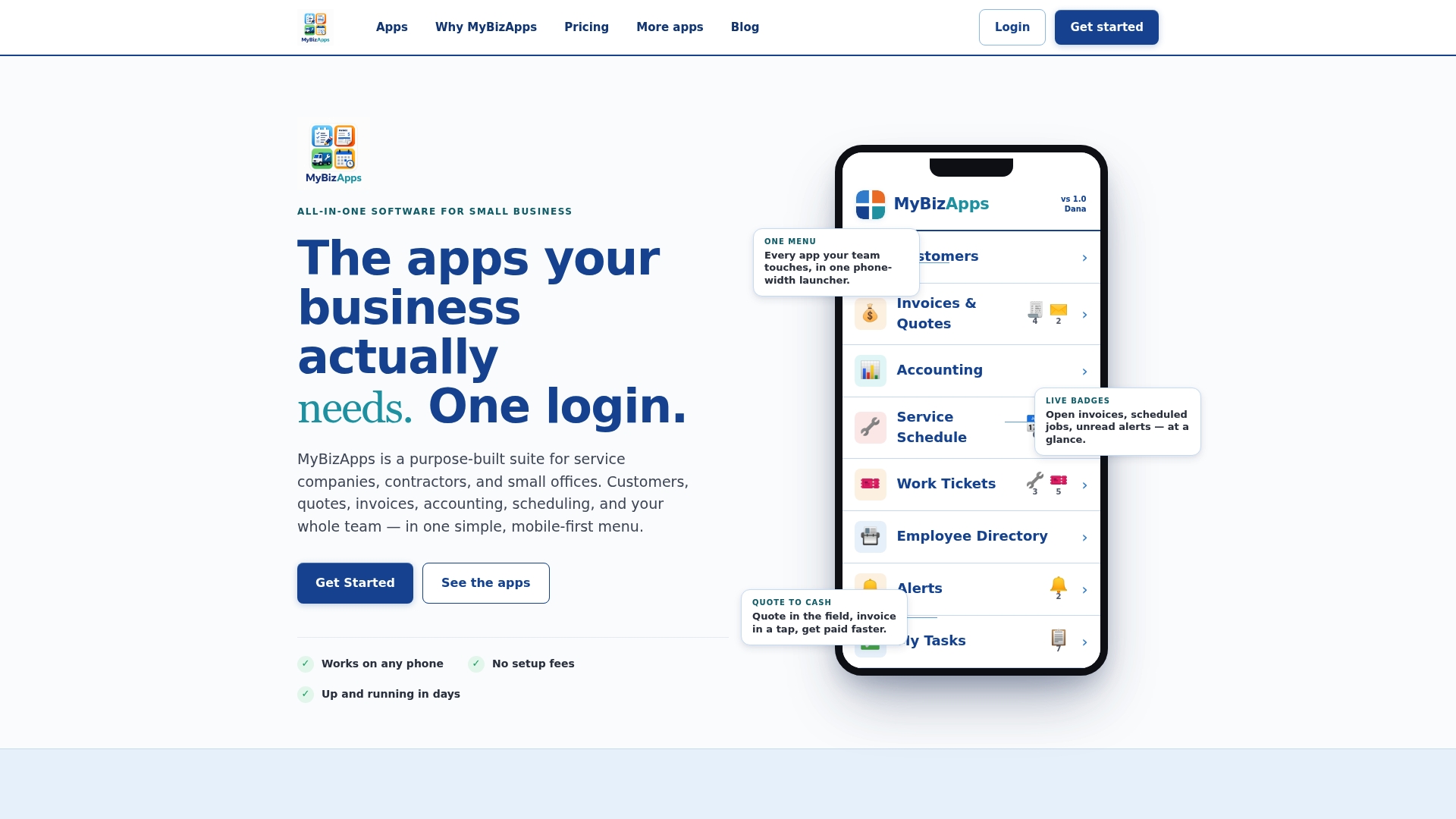
A sensible pilot looks like one truck, one crew, and a 30 to 60 day window to compare accuracy and time per count before and after. If you’re ready to see the modules in action, check pricing for Bookings, Billing Module, Service Scheduling and more or review the full price sheet to plan a rollout that fits your fleet.
Checklists and templates worth downloading
- The stocktake execution checklist walks through preparation, in-process checks, escalation, and close-out.
- The physical inventory count checklist covers roles, estimated time, and inspection points for a fuller count.
- Allied Inventory’s checklist details scheduling cut-offs, device prep, and pre-count steps.
- Fleets managing regulated consumables can also reference the DEF storage compliance checklist for shelf-life and stock movement controls.
Sources
- Stocktake execution checklist
- Physical Inventory Count Checklist - POPProbe
- Inventory Count Checklist (PDF) - Allied Inventory
- Optimizing inventory management through cycle counting — HBK CPA
FAQ
How do you do inventory cycle counting?
Pick a subset of items based on their class (A, B, or C), count them on a rotating schedule instead of all at once, and reconcile any variance against your records. For service inventory, that means counting truck or van stock in zones with a clear owner and syncing results right away rather than waiting until the end of a shift.
What is the 80/20 rule for cycle counting?
The 80/20 rule assumes a small share of your SKUs account for most of your inventory value, so those items get counted most often. In practice, that usually means your A items (critical parts) get checked weekly, while low-value C items like fasteners can wait until a quarterly check.
How often should you cycle count inventory?
Frequency depends on the item’s class: A items typically need daily or weekly counts, B items monthly, and C items quarterly. Any part tied to a safety concern or a repeated billing issue should be checked immediately, outside the normal schedule.
How do you count cycle count correctly?
Validate the starting stock before you begin, count one zone or container at a time in one direction, and log everything on a mobile device as you go rather than on paper. Sync after each zone, flag unexpected items right away for investigation, and schedule a targeted recount only for the specific area that exceeded your variance threshold.