Get Paid Faster: Mobile Integrated Business Software for Contractors
Get Paid Faster: Mobile Integrated Business Software for Contractors
If you’re a contractor or service-company owner juggling one app for quotes, another for scheduling, and a third for invoicing, the answer is almost always yes. Integrated business software combining your CRM, scheduling, quotes, invoicing, payments, and basic accounting under one login cuts admin time and gets you paid faster. The exception is a business with multiple service lines, complex multi-location workflows, or revenue pushing past the $500,000 mark, where a more specialized stack may earn its complexity.
TL;DR:
- Businesses with less than 10 employees and a single service line benefit most from lightweight, all-in-one platforms that reduce manual data entry and streamline workflows.
- When revenue approaches 500,000 dollars or multiple distinct workflows are involved, it may be necessary to consider specialized tools or add-ons to handle increased complexity.
- Effective pilots should last 30 to 60 days, focus on core workflows, and track key metrics like admin hours, payment speed, and reconciliation errors to ensure the platform fits operational needs.
- Data migration requires mapping and testing customer, job, and invoice records before shutting down legacy tools, with phased implementation to minimize disruption.
- Avoid common implementation pitfalls by assigning a single owner for integrations, documenting data fields, and conducting weekly reconciliation checks during rollout.
Table of Contents
- What Modules Belong in Integrated Business Software?
- All-In-One or Best-Of-Breed: Which Fits Your Business?
- How Do You Evaluate and Pilot Integrated Business Software?
- Migrating to an Integrated Platform Without Losing a Beat
- Where Integrated Business Software Implementations Go Wrong
- Why We Recommend a Mobile-First, Integrated Approach
- Get Started With Mybizapps
- Sources
- FAQ
What Modules Belong in Integrated Business Software?
A real integrated platform isn’t a bundle of apps stitched together with a shared logo. It’s one database that every function reads from and writes to. When a customer calls to reschedule, that change should show up instantly in dispatch, on the invoice, and in your accounting ledger, not three separate updates typed into three separate screens.
The core modules that matter for a service business are:
- Customer records (CRM) — one profile per client, with history, contact info, and job notes.
- Job or property records — details tied to the work site, not just the person paying for it.
- Scheduling and dispatch — real-time visibility into who’s where and when they’re free.
- Quotes and estimates — built from the same pricing data your invoices use.
- Invoicing and payment capture — generated straight from the completed job, not re-typed.
- Basic accounting — a ledger that reconciles itself against payments received.
- Mobile-first access — a single login your crew uses in the field, often with offline modes for spotty job-site signal.
This single-database design is what eliminates duplicate entry. A fragmented tech stack forces someone to manually move data between disconnected tools, and every handoff is a chance for a typo, a missed invoice, or a double-booked technician.
All-In-One or Best-Of-Breed: Which Fits Your Business?
Team size and the number of service lines you run are the two biggest signals. A landscaping company with six trucks and one core service looks very different, on paper, from a multi-trade contractor running electrical, HVAC, and plumbing crews out of three regional offices.
- Under 10 employees, one main service line: Start with a lightweight all-in-one platform and grow into it. This is the default recommendation for most single-service residential or light commercial teams, since it usually reduces both admin time and integration risk.
- 10 to 30 employees, one or two service lines, basic reporting needs: An all-in-one still fits, but check whether it can support role-based permissions and multi-crew scheduling before you commit.
- Approaching $500,000 in annual revenue: Re-evaluate. This is the point where workflow complexity, multi-location logistics, or specialized reporting sometimes outgrows a general platform.
- Multiple service lines with genuinely different workflows: Consider adding a specialist tool for the one function that most affects margin, but keep everything else on the core platform and name a single owner for that integration.
Watch for operational signals that you’ve outgrown an all-in-one: reports that require manual spreadsheet work regularly, a scheduling bottleneck no dashboard view solves, or a finance team that’s built a shadow system in Excel because the platform can’t answer their questions.
How Do You Evaluate and Pilot Integrated Business Software?
Feature lists are marketing. What actually matters is whether the software holds up under your real workflow, which is why a short pilot beats a long sales demo every time.
Before you sign anything, run each candidate through this checklist:
- Single source of truth: Does a schedule change on the app instantly update the invoice and the accounting ledger?
- Mobile usability: Can a technician quote, log hours, and take a payment from a phone in the field, not just view data?
- Payment reconciliation: Does the platform match payments to invoices automatically, or does someone still do this by hand?
- Reporting: Can you pull a cash flow or job-profitability report without exporting to a spreadsheet first?
- Exportability and connectors: What happens to your data if you ever need to leave?
- Pricing model: Is it a flat monthly fee, per-user, or module-based, and does that scale the way your headcount will?
Structure your pilot around 30 to 60 days and one real workflow, ideally your busiest service line. Track three numbers: hours spent on admin per week, days between job completion and payment received, and the count of reconciliation errors caught after the fact. Ask vendors directly about data ownership, export file formats, and support response times before you migrate a single record.
Pro Tip: Pilot with your messiest customer segment, not your easiest one. If the platform handles your most complicated recurring client cleanly, it’ll handle everything simpler without a hitch.
Migrating to an Integrated Platform Without Losing a Beat
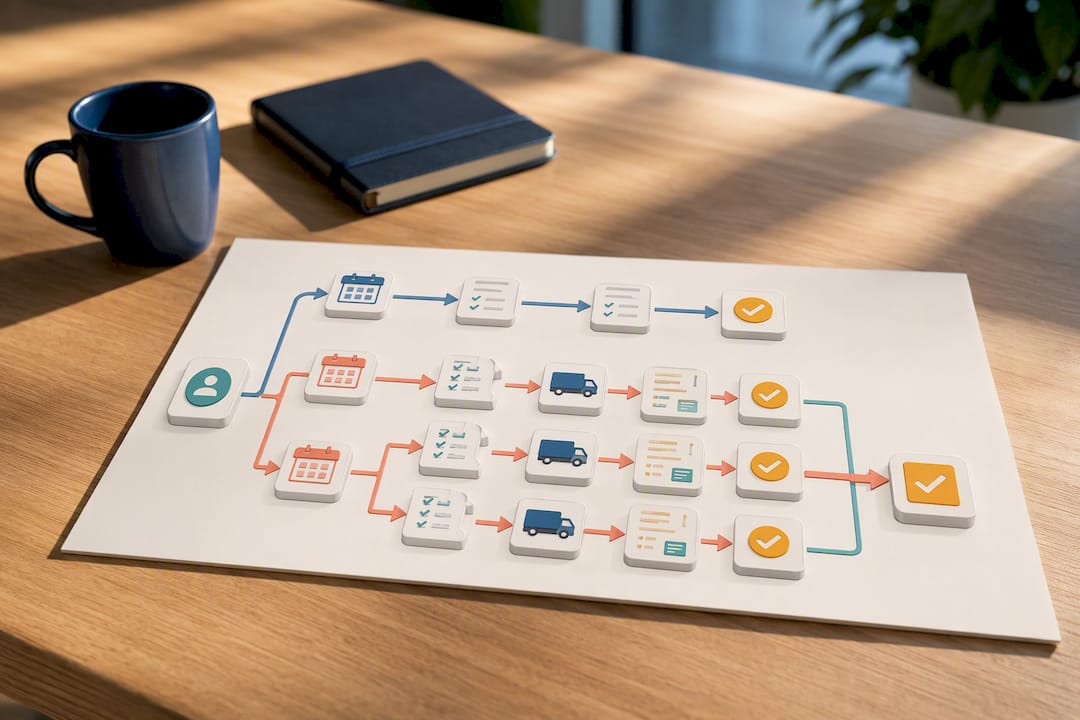
Moving off a patchwork of apps feels riskier than it actually is, provided you sequence it. The core idea is to design the migration around authoritative records: customer files, job or property records, and invoices, with someone owning every field mapping before the old system goes dark.
- Map before you move. List which system currently “owns” each customer, job, and invoice record, and pull sample exports to test formatting before committing.
- Pilot one workflow. Run your busiest service line through the new platform for a few weeks while legacy tools stay live as backup.
- Expand in phases. Add service lines or locations one at a time, training staff on each phase rather than all at once.
- Retire the old tools last. Only shut down legacy software after you’ve confirmed a full backup export and verified the new platform reconciles cleanly against your last month of old records.
Build in a reconciliation check at each phase, comparing totals in the new system against the old one, and keep your exit and export plan documented even after go-live. You’ll need it eventually, even if only for tax records.
Where Integrated Business Software Implementations Go Wrong
Most failed rollouts share the same root cause: someone bought features instead of mapping workflows first. A platform with forty modules is worthless if the three your crew actually uses every day don’t talk to each other cleanly.
The recurring mistakes are predictable:
- Skipping the pilot and rolling out to the whole team on day one.
- No single owner for integrations, so nobody notices when a sync breaks.
- Poor data governance, meaning duplicate customer records pile up within weeks.
- Adding specialist tools too early, before confirming the core platform actually can’t handle the workflow.
Fix it by assigning one integration owner, documenting every field mapping in writing, and reviewing reconciliation weekly for the first month.
Pro Tip: Tie invoicing directly to job completion status instead of a separate billing step. That single change alone often shaves days off your invoice-to-cash cycle.
Why We Recommend a Mobile-First, Integrated Approach
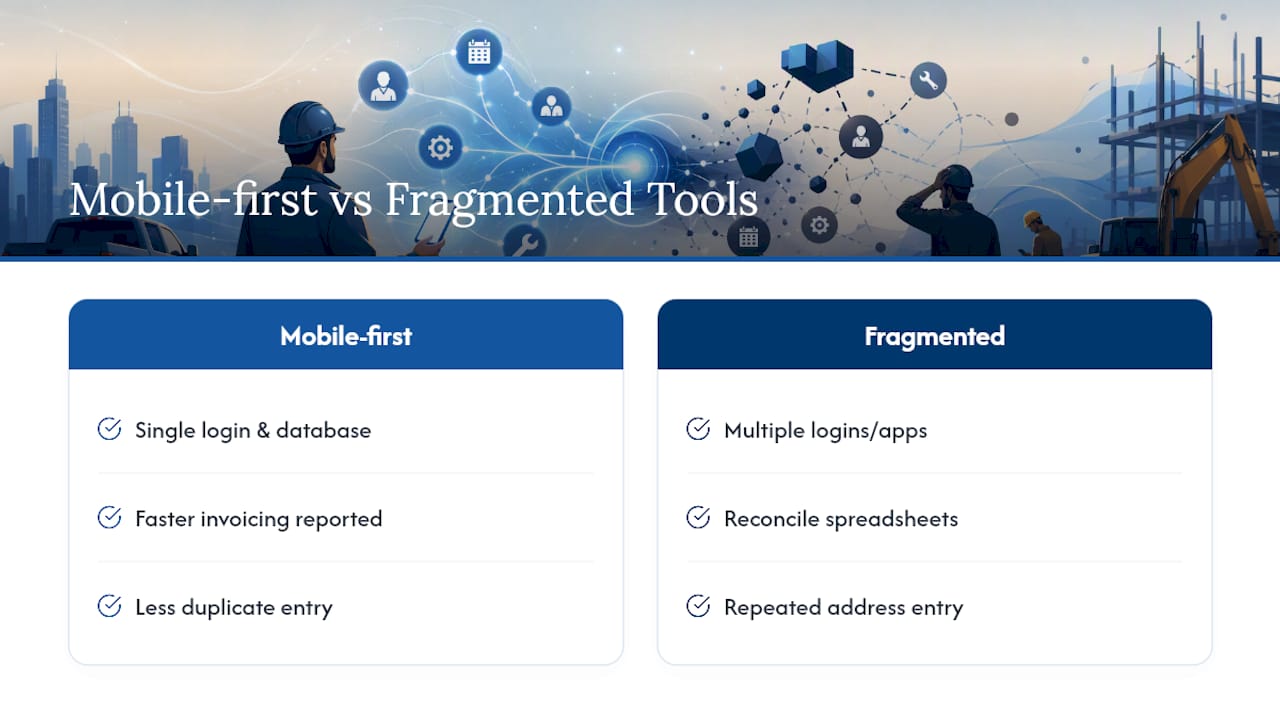
Business software should disappear into the background of a workday, not become another task on the list. What convinces me that mobile-first, all-in-one platforms deserve the default recommendation for small service businesses is how consistently the alternative, fragmented tools that don’t talk to each other, create real friction for owners who’d rather be managing relationships than reconciling spreadsheets.
Some software products build around that idea directly: one login, one database, and users consistently report faster invoicing as a result. If your crew is still typing the same customer address into three different apps, that’s the problem worth solving first.
— Philip
Get Started With Mybizapps
Some software products are built specifically for the workflow this article just walked through: one mobile-first login covering CRM, scheduling, quotes, invoicing, payments, and basic accounting for service companies and contractors. Instead of stitching together separate apps and hoping the data lines up, everything from job creation to payment capture runs through the same record.
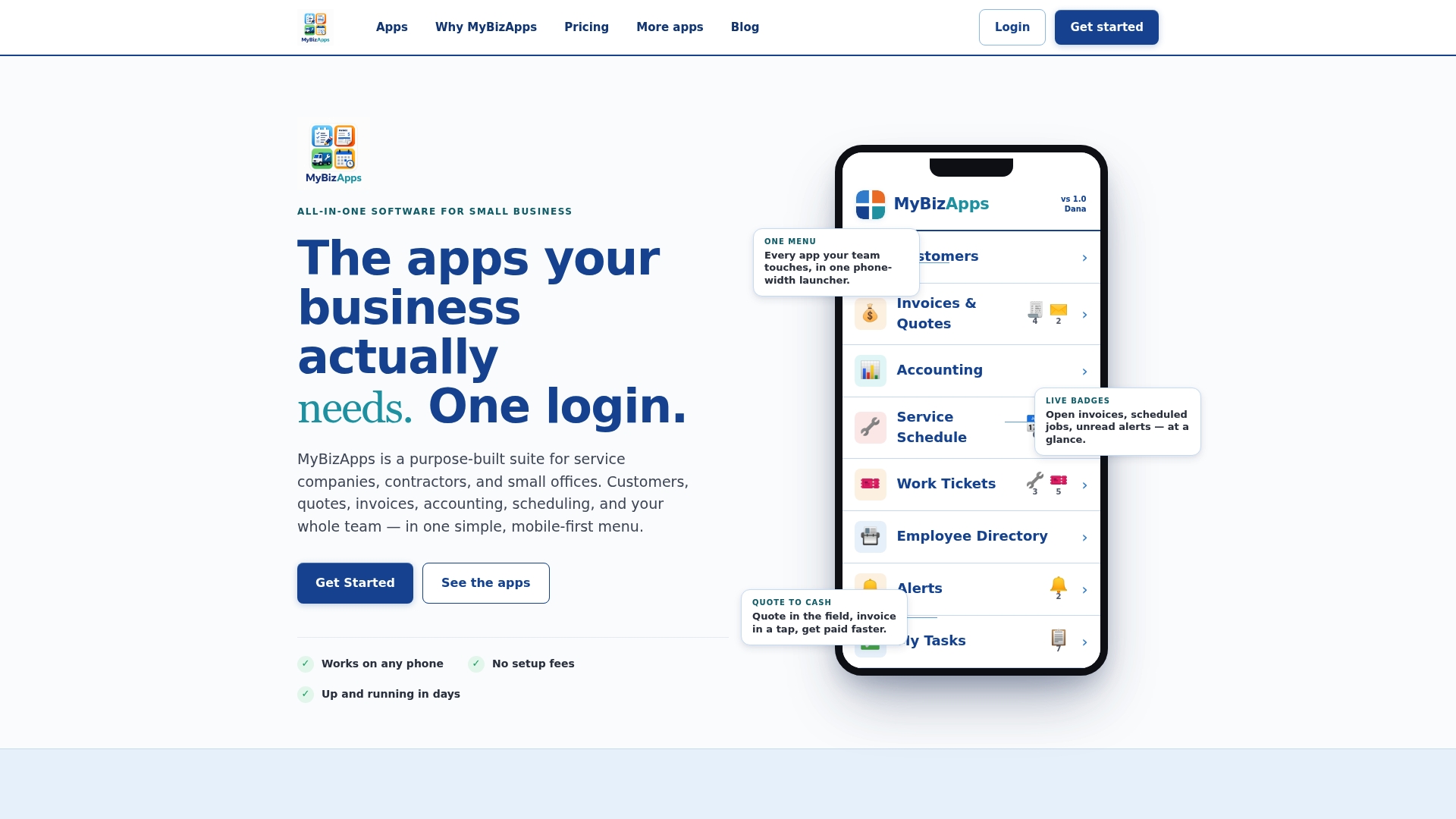
If you’re ready to see how the modules fit your specific workflow, check the pricing and module breakdown to compare tiers, or head to the Mybizapps homepage to request a demo. Either step gets you a concrete look at what switching would actually cost and save, before you commit to anything.
Sources
For deeper comparisons, see the all-in-one vs. best-of-breed breakdown, the field-service cost comparison, and this AI productivity guide for small businesses.
- All-in-One vs Best-of-Breed Tech Stack for Service Biz | AnovaGrowth
- All-in-One vs Specialized Contractor Software: Which Is Better? - OIVIC
- The $10M Revenue Ceiling: Why Fragmented Tech Stacks Are the #1 Growth Killer for Service Businesses in 2026 – PTC AI and Automation Insights Blog
FAQ
What counts as integrated business software?
It’s a single mobile-first platform combining CRM, scheduling, quotes, invoicing, payments, and basic accounting under one login, so data entered once updates everywhere automatically.
How is this different from enterprise ERP?
Enterprise resource planning systems target large organizations with complex finance and supply-chain needs; integrated business software for contractors focuses on customer management, scheduling, and billing for small service teams.
At what size should I reconsider an all-in-one platform?
Revisit your setup as you approach roughly $500,000 in annual revenue or when you’re running multiple service lines with genuinely different workflows, since that’s typically when complexity outgrows a general platform.
How long should a pilot run before switching fully?
Plan for 30 to 60 days on one real workflow, tracking admin hours saved, invoice-to-payment speed, and reconciliation errors before expanding to the rest of the business.
Does Mybizapps handle both scheduling and invoicing?
Certain platforms combine scheduling and dispatch with quoting, invoicing, and payment capture in the same mobile-first login, which aligns with the core integration this article recommends evaluating first.