4 Steps to Log Customer Communications for Small Service Teams
4 Steps to Log Customer Communications for Small Service Teams

Logging customer communications means recording the date, channel, participants, a short summary, the outcome, and next steps for every meaningful interaction with a customer. Doing this consistently gives your team a single source of truth, speeds up onboarding for new hires, and provides evidence if a dispute ever comes up. The fastest first step: turn on a minimal template or enable automatic email-to-timeline capture so nothing depends on memory.
TL;DR:
- The person handling an interaction should log its date, channel, participants, summary, outcome, and next steps immediately, then create linked tasks for later action.
- Limit routine entries to six fields or fewer, and reserve exact promises, attachments, ticket links, and assigned deadlines for escalations or potential disputes.
- Use automatic email capture through a dedicated address or blind copy rule, summarize sensitive content, and retain chat transcripts with speaker names.
- Emails tied to contracts are commonly retained for 7 years, routine activity notes for about 3, while native audit histories may last only 90 days.
- Run a two week pilot with a minimal template and compare resolution times before and after to test whether the logging process helps.
Table of Contents
- What belongs in a communication log and who uses it
- A repeatable process for logging every interaction
- Logging by channel: email, phone, chat, and text
- Templates and checklists you can copy today
- Retention, audit trails, and staying compliant
- Fixing common logging problems
- Why small teams should favor speed over exhaustive notes
- How MyBizApps keeps your communication history in one place
- FAQ
- Sources
What belongs in a communication log and who uses it
A useful log entry answers five questions without extra digging: when did this happen, through which channel, who was involved, what was discussed, and what happens next. Most platforms also attach a ticket or case ID so the entry links back to a broader record.
- Support teams use logs for triage: a new agent should understand a customer’s history in under a minute.
- Sales teams use logs to track commitments made across calls and emails before a deal closes.
- Success teams use logs to spot renewal risk by reviewing the tone and frequency of recent contacts.
A minimal entry might read: “March 3, 2026, phone, Dana Reyes (customer) and Marcus (agent), customer reported a billing error on invoice 4410, resolved by issuing a $40 credit, no follow-up needed.” That single line research on frontline communication suggests works best when logging fields sit inside the agent’s normal workspace instead of a separate tool, so capturing it takes one action rather than a detour.
A repeatable process for logging every interaction
Consistency matters more than detail. A short entry logged every time beats a thorough one logged occasionally.
The person who handles the interaction owns the log entry, and they log it immediately, not at the end of the day when details blur. When a conversation requires a follow-up, that follow-up becomes its own task linked back to the original entry rather than a note buried in the summary.
A simple four-step sequence works across almost any channel:
- Capture the metadata: date, time, channel, and who was on the call, email, or chat.
- Write a concise summary: one or two sentences on what the customer wanted or reported.
- Record the outcome and next steps: what was resolved, what wasn’t, and who owns the follow-up.
- Link related records: attach the entry to the customer’s account, an open ticket, or a prior conversation so the history stays connected.
A quick-entry checklist helps teams move fast without skipping fields: name, channel, one-line summary, outcome, follow-up owner, and due date if applicable. Keep it to six fields or fewer for routine contacts, and reserve longer notes for escalations or disputes.
Pro Tip: Build your log template around the fields you’ll actually search later, not the ones that feel thorough in the moment.
Logging by channel: email, phone, chat, and text
Capture expectations shift depending on the channel, and trying to log everything the same way creates friction.
- Email: Set up a unique inbound address or BCC rule so messages log automatically rather than relying on someone to copy and paste; preserve the subject line and a sanitized summary of the body rather than the full raw text when sensitive details are involved.
- Phone: Capture the caller’s name, call duration, a link to the recording where that’s legally permitted, and a brief structured note rather than a verbatim transcript.
- Chat and SMS: Keep transcripts intact with speaker labels, but apply sensible line breaks. Research on multiline messaging found that moderate segmentation improves readability, while excessive breaking of a single thought into too many lines creates cognitive overload for whoever reviews it later.
- Automation: Inbound email addresses, webhooks, and built-in timeline features reduce manual entry substantially. Platform documentation on logging emails as timeline activities shows a common pattern: an admin sets up a dedicated address, and anyone on the team can BCC or forward a message to log it automatically.
Teams managing their own email infrastructure often lean on a specialist for the setup; Red Rock Webscapes covers business email configuration that supports these BCC-to-log rules.
Templates and checklists you can copy today
Two templates cover almost every situation. A minimal template works for high-volume, low-risk contacts; a full template handles anything that might turn into a dispute or compliance question.
- Minimal template (5 fields): date, channel, contact name, one-line summary, outcome.
- Full template (adds): participants’ roles, verbatim quotes or attachments, related ticket ID, follow-up owner and due date, and any commitments made.
- 30-second entry checklist: name, channel, summary, outcome. Done.
- 3-minute compliance-grade entry checklist: everything above plus attachments, exact wording of any promises, and a link to the originating email or call recording.
Adapt the split based on your mix of channels: a team that’s mostly phone-based may want call duration as a default field, while a chat-heavy team benefits from preserving full transcripts by default since they’re already in text form.
Retention, audit trails, and staying compliant
Different record types warrant different retention windows. Contract-related emails and anything tied to a signed agreement are commonly kept around 7 years, while day-to-day activity notes are often kept closer to 3 years, according to guidance on archiving legacy CRM data. System-generated events, like automatic status changes, typically need the shortest retention of the three.

A CRM audit trail should function as an immutable chronological record of who changed what, when, where, and why, covering user identity, before-and-after values, timestamps, and device or source information. That level of detail matters for fraud detection and for resolving disputes months after the fact.
Three implementation steps cover most small teams: turn on platform audit logging rather than relying on manual notes, schedule regular exports to immutable storage, and set a calendar reminder to review retention settings annually. Native audit windows can be as short as 90 days, so export planning matters from day one rather than after a record disappears.
Fixing common logging problems
Most logging headaches come down to a handful of recurring issues.
- Duplicate entries: assign a unique correlation ID or source ID to each conversation so imports from different channels don’t create separate records for the same interaction.
- PII exposure: mask or redact sensitive fields in the log itself, and log the fact that someone accessed sensitive data rather than storing the raw data a second time, consistent with guidance in the ITU-T framework for intelligent customer service systems.
- Sync failures: check the integration log first, replay the failed event if the platform supports it, and escalate to whoever owns that integration if the problem repeats.
Why small teams should favor speed over exhaustive notes
Most small service teams overbuild their logging habits before they’ve even tested a simple one. A short, consistent entry logged every single time beats a detailed one that only gets written when there’s time. Speed and consistency compound; perfection does not.
If you’re not sure your current approach works, run a two-week pilot with a minimal template and track how long resolution takes before and after. The answer usually shows up fast.
— Philip
How MyBizApps keeps your communication history in one place
We built MyBizApps so logging a customer conversation doesn’t mean jumping into a separate app. Every quote, invoice, work ticket, and scheduling event tied to a customer lives under the same login as their communication history, so your team pulls up the full picture without stitching together exports from different systems.
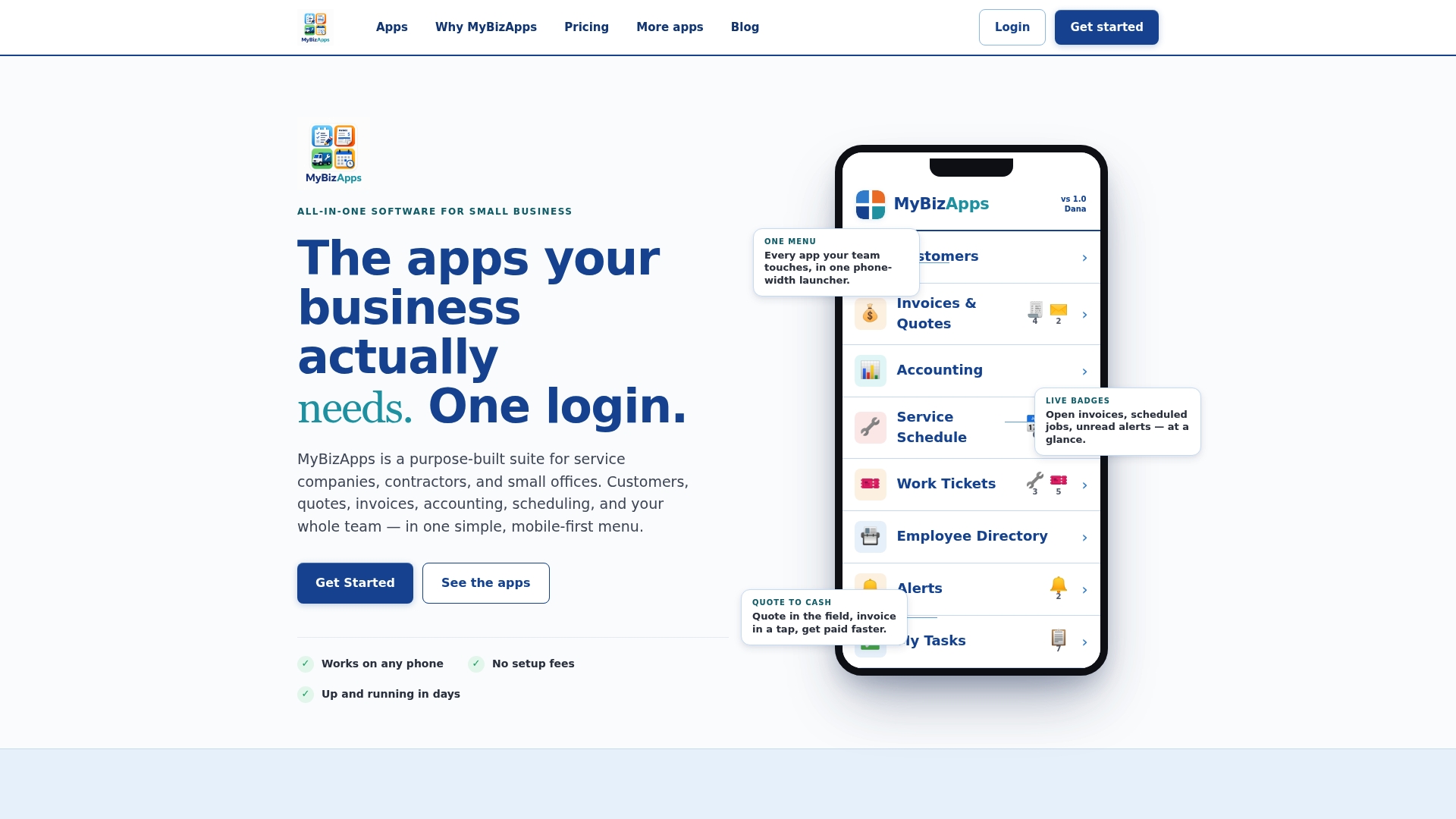
- Unified customer history that connects directly to quotes, invoices, and scheduling.
- Work Tickets that turn an informal “can you check this?” into a tracked record automatically. Read more about turning requests into tracked work tickets.
- A Customer Portal that gives clients visibility into their history, cutting down repeat questions.
If you want to see how a unified login compares to piecing together a CRM, a phone system, and a spreadsheet, check our pricing page or the full price sheet for a module-by-module breakdown, and start a pilot with your highest-volume channel first.
FAQ
What is a communications log?
A communications log is a record of customer interactions that captures the date, channel, participants, a summary, the outcome, and any next steps. It serves as a shared history so anyone on a team can understand a customer relationship without relying on one person’s memory.
What is the best client communication tool?
The right tool depends on whether your team needs it to stand alone or connect with scheduling, invoicing, and ticketing. Platforms like MyBizApps combine customer history with quotes, invoices, and work tickets under one login, which suits service businesses that want fewer separate systems to maintain.
What are the 5 C’s of communication?
Definitions vary, but a common version lists clear, concise, concrete, correct, and complete as the core traits of effective communication. Applied to logging, that means writing summaries that are specific enough to be useful later without padding them with unnecessary detail.
What is customer communication?
Customer communication is any exchange between a business and a customer, including emails, phone calls, chat messages, and texts, that relates to a product, service, or support issue. Logging that communication turns individual exchanges into a searchable history that supports service, sales, and compliance needs.
Sources
- How frontline employees’ relational communication in online service interactions drives customer satisfaction
- Long-Term Archiving of Legacy CRM Data: What to Keep and How
- Building audit trails in your CRM: a compliance-focused guide
- ITU‑T Recommendation F.748.67: Requirements and framework for advanced intelligent customer service systems