Real Time Status Updates For Small Service Businesses: Tech & Comms
Real Time Status Updates For Small Service Businesses: Tech & Comms

Real-time status updates are messages that tell someone or something the current state of a process the moment it changes, instead of making them ask. The immediate rule for choosing how to deliver them: pick your transport by direction and durability. If you’re pushing changes from a server to a browser, use Server-Sent Events. If one system needs to notify another with guaranteed delivery, use webhooks. The rest of this guide covers implementation, messaging, monitoring, and common failures.
TL;DR:
- Server-Sent Events are ideal for delivering real-time UI updates with sub-second latency but do not guarantee message delivery or replay.
- Webhooks provide guaranteed delivery through retries and signatures but are better suited for server-to-server notifications rather than UI updates.
- Polling remains the simplest method but introduces higher server load and increased latency compared to streaming options like SSE.
- Proper implementation requires measures such as support for reconnecting clients, disabling proxy buffering, and throttling timeouts to ensure reliable streaming.
- For small service businesses, integrated platforms like MyBizApps centralize scheduling, dispatch, invoicing, and communication to avoid fragmentation and improve workflow synchronization.
Table of Contents
- What real-time status updates are and where you’ll use them
- Transport options: SSE, webhooks, or polling
- Implementation checklist and architecture patterns
- Crafting status messages and audience-aware updates
- Monitoring, metrics, and SLIs to keep streams healthy
- Common pitfalls and troubleshooting steps
- MyBizApps: practical examples for small service businesses
- Why MyBizApps can help you get started
- Authoritative docs and standards to consult
- Author Philip: final takeaway and next steps
- Sources
- FAQ
What real-time status updates are and where you’ll use them
A real-time status update is any signal that a process has changed state: an order shipped, a technician is en route, a server is degraded. The value is freshness. A dashboard that refreshes every five minutes feels broken during an incident; one that updates the instant something changes builds trust.
You’ll find these updates across very different systems:
- Operational dashboards showing build status, queue depth, or server health.
- Chat and presence indicators showing who’s online or typing.
- Order, delivery, and flight tracking screens.
- Public incident and status pages during outages.
- Work-ticket and dispatch screens for field service teams.
Delivery channels vary by audience and urgency: in-app banners and live widgets for people already watching a screen, push notifications and SMS for anything customer-critical, email for lower-urgency confirmations, and webhooks or streaming connections for system-to-system updates that never touch a human interface directly.
Transport options: SSE, webhooks, or polling
The choice comes down to direction and durability. Server-Sent Events push data one-way from server to browser over a long-lived HTTP connection, and when configured correctly they can replace frequent polling with sub-second update latency. The tradeoff is that SSE offers no guaranteed replay: if a browser disconnects, missed events are gone unless you build catch-up logic yourself.
Webhooks work the other direction: server to server, with the sending system pushing an HTTP POST to a receiver. Done properly, with retry logic and signature verification, webhooks give you delivery guarantees that SSE can’t.
Polling, where a client repeatedly asks “anything new?”, is the simplest option and the easiest to build, but it costs more in server load and adds latency equal to your polling interval.
Sub-second latency is achievable with SSE, according to Galaxy Project’s documentation, which reports replacing polling that ran every three to ten seconds with a streaming connection that delivers updates almost immediately once buffering and timeouts are tuned correctly.
Use this checklist to match transport to use case:
- Live UI updates for a person watching a screen: SSE.
- Cross-system notifications that must not be lost: webhooks with retries.
- Low-frequency checks where occasional staleness is fine: polling.
- Need both immediacy and guaranteed delivery: combine SSE for the UI with webhooks for backend processing.
Implementation checklist and architecture patterns
A production-grade real-time system usually has four pieces: an event bus that captures state changes, a fan-out layer that routes events to subscribers, a per-connection stream for each open client, and a durable event log so missed events can be replayed. Rekko recommends pairing SSE’s low latency with a durable log or webhook retries whenever guaranteed delivery matters, since SSE alone provides neither retries nor built-in replay.
Follow these steps when building the delivery layer:
- Expose an SSE endpoint that responds with
text/event-streamand keeps the connection open using anEventSourceclient on the browser side. - Support the
Last-Event-IDheader so reconnecting clients can request everything they missed. - Set
X-Accel-Buffering: noon NGINX or your reverse proxy so responses stream immediately instead of batching. - Tune proxy and load balancer timeouts to accommodate long-lived connections rather than the default short-lived HTTP timeout.
- On the webhook side, verify signatures on every incoming request and use idempotency keys so retried deliveries don’t duplicate work.
- Build a replay endpoint or sequence cursor so clients can catch up after a disconnect rather than silently missing events.
- Watch worker memory, open file descriptor counts, and broker (AMQP or similar) health, since each idle SSE connection still consumes resources.
Pro Tip: Test your SSE endpoint by watching the Network tab in your browser’s dev tools during a deliberate proxy restart. If updates arrive in bursts instead of one at a time, buffering is still on.
Crafting status messages and audience-aware updates
The mechanism only matters if the message is useful. CISA’s joint guidance on communicating under pressure recommends a single status page as the canonical source of truth, with every update timestamped so all stakeholders are working from the same facts.
Write for the audience reading, not for yourself:
- Technical teams need diagnostics and next actions, not summaries.
- Executives need business impact and an estimated time to resolution.
- The public needs a brief description of impact and when to expect the next update.
A workable template includes the timestamp, current status, impact, and when the next update will arrive. Pro Tip: End every update with “next update by [time]” even if nothing has changed. Silence reads as worse news than a repeated “still investigating.”
Monitoring, metrics, and SLIs to keep streams healthy
You can’t fix a stream you’re not watching. Track connection counts and churn to catch clients disconnecting faster than they reconnect, and watch dropped-connection rates as an early warning of proxy or network trouble.
On the dispatch side, monitor events dispatched, dispatch latency at the 95th percentile, and counters for skipped or dropped events. Galaxy Project documents specific metrics such as active connection counts and dispatch latency in milliseconds, which teams use to catch fan-out bottlenecks before users notice delay.
- Alert when dispatch latency p95 climbs above your normal baseline.
- Alert on rising dropped-event counters, which often point to a slow consumer.
- Watch broker or message-queue health alongside worker memory and file descriptor headroom.
Sub-second delivery only holds when infrastructure is tuned for it, per Galaxy Project’s SSE documentation, so metrics that catch drift from that baseline matter more than the initial benchmark.
Common pitfalls and troubleshooting steps
Most real-time update failures trace back to a handful of causes, and they’re worth checking in order.
- Check for reverse-proxy buffering first: if updates arrive in batches instead of individually, confirm
X-Accel-Buffering: nois set and that proxy timeouts allow long-lived connections. - Verify your reconnect path works by disconnecting a client and confirming it requests missed events using
Last-Event-IDor a replay endpoint, rather than just resuming from “now.” - If updates are technically arriving but late, look at dispatch latency p95 and skipped-event counters, which usually point to an AMQP or broker bottleneck rather than a client-side problem.
- For webhooks, audit retry and idempotency logic since duplicate deliveries or silent drops usually mean a missing idempotency key or an undersized retry window, a failure mode Rekko.ai’s guidance flags as common when teams skip durable queues.
MyBizApps: practical examples for small service businesses
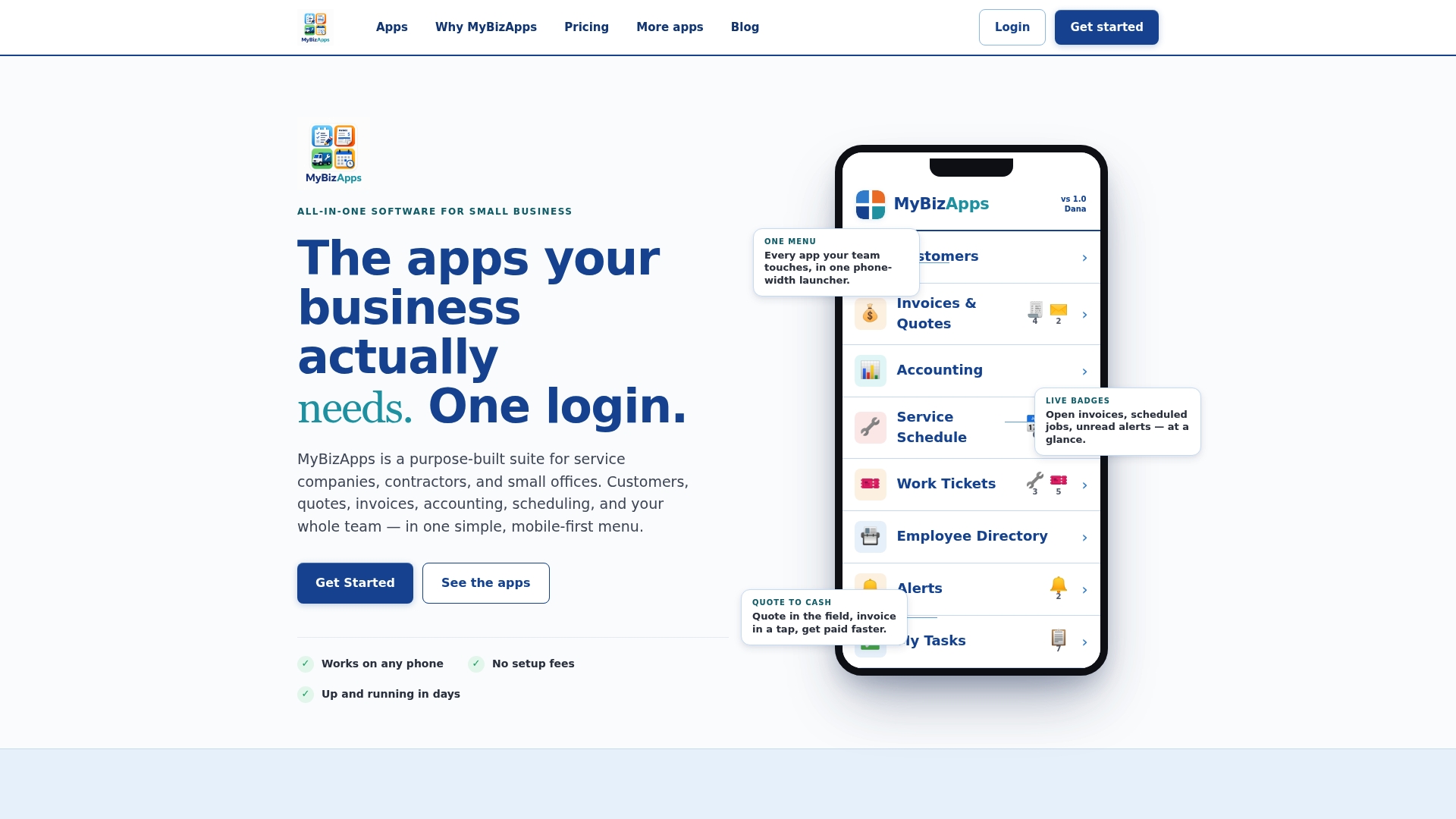
Small service businesses run into the same transport problem at a smaller scale: a customer wants to know when the technician is on the way, and the office wants to know the moment a job is marked complete. This software solution keeps scheduling, dispatch, and invoicing accessible under one login instead of stitching together separate tools for each. A technician marking a work ticket “in progress” updates the office view immediately, and a completed invoice can trigger a customer portal notification without a separate integration.

For small teams, prioritize channels the way larger systems do: in-app updates for staff already watching a screen, and push or text alerts for anything a customer needs to know right away, like an arrival window or a payment confirmation.
Why MyBizApps can help you get started
If you’ve been piecing together a scheduling app, a separate invoicing tool, and a text notification service just to keep customers updated, the fragmentation itself is the problem. Some platforms put scheduling, dispatch, invoicing, and customer communication behind one login, so a status change in one module (a job marked done, a payment received) shows up everywhere it needs to without a manual handoff.
Relevant modules for the workflows covered here:
- Service Scheduling and Work Tickets for dispatch and job-status updates.
- Billing Module for invoice and payment status.
- Customer Portal for giving clients visibility without a phone call.
Check the MyBizApps pricing page to see current modules and get started with the setup that fits your team.
Authoritative docs and standards to consult
For deeper technical detail, NIST SP 800-61 Revision 3 covers building communications into your incident response lifecycle before something breaks. Managed service providers such as NEXTmsp often need to tailor these communications differently for technical staff, executives, and regulators at once. For provider-specific SSE and webhook configuration, follow your platform’s own documentation rather than generic guides.

Author Philip: final takeaway and next steps
If you take one thing from this guide, make it this: pick your transport by use case, keep one canonical status source, and timestamp every update. The engineering matters less than the discipline of telling people the truth, on time, in language they can act on.
— Philip
Sources
- Server-Sent Events (SSE) for real-time updates — Galaxy Project documentation
- Webhooks vs Server-Sent Events — Svix resources/FAQ
- Incident Response Recommendations and Considerations (NIST SP 800-61r3)
- Communicating under pressure: Best practices for service providers (CISA joint guidance)
- Rekko
FAQ
How can I check my update status?
Checking depends on the system: most platforms show current status directly in their dashboard or app, often with a timestamp showing when it last changed. If a system uses Server-Sent Events, your status should update automatically without a manual refresh.
What’s the difference between SSE and webhooks?
SSE streams updates one-way from a server to a browser over an open connection, which suits live dashboards and UI updates. Webhooks push data server-to-server with retry logic and delivery guarantees, which suits backend workflows where a missed update is unacceptable.
Why do my real-time updates feel delayed?
The most common cause is a reverse proxy buffering the response instead of streaming it immediately. Check that buffering is disabled on your proxy and that timeouts are tuned for long-lived connections, as described in SSE implementation guidance.
How do I write a good status update during an outage?
Timestamp every update, publish from a single canonical source, and tailor the detail level to who’s reading it: diagnostics for engineers, impact and timing for executives, and a brief plain-language summary for the public. This approach follows CISA’s joint guidance on communicating during incidents.
Can MyBizApps send real-time status updates to customers?
MyBizApps can notify customers through its Customer Portal and related modules when a job status changes or an invoice is issued, keeping updates tied to the same login used for scheduling and billing. Pricing for individual modules is listed on the MyBizApps pricing page.