Build a Seasonal Promotion Calendar in a Day for Small Businesses
Build a Seasonal Promotion Calendar in a Day for Small Businesses

A seasonal promotion calendar is a shared schedule of key dates, campaign owners, channels, and deadlines that tells your team what to launch and when. The single best way to use one is to backward-plan from your priority dates with tiered lead times, giving major launches months of runway and minor ones a week or two. This guide includes a step-by-step method and a template structure you can fill in today.
TL;DR:
- Major holidays like Black Friday and Cyber Monday require 8 to 12 weeks of lead time for creative, approval, and inventory staging, while smaller promotions need only 1 to 2 weeks.
- Leading shopping activity now begins as early as October, with projected online holiday sales reaching $275.1 billion in the U.S. for 2026, including $47.5 billion during Cyber Week.
- Using a tiered approach to planning helps allocate resources efficiently, with the biggest impact events tracked in the highest-impact tiers to prevent last-minute panic.
- Coordinating across channels involves scheduling email sequences, social media awareness campaigns, and signage to align timing and messaging, avoiding customer fatigue.
- Regular weekly check-ins and quarterly reviews are essential to keep the calendar accurate, incorporate new data, and ensure deadlines stay on track throughout the year.
Table of Contents
- Why a seasonal promotion calendar matters for your team
- Key dates and seasonal themes to build your calendar around
- How to build your calendar with backward planning
- Matching campaign timing to the right channel
- What to put in your downloadable calendar template
- Keeping the calendar accurate all year
- A planner’s take on backward planning
- Running your calendar through MyBizApps
- FAQ
- Sources
Why a seasonal promotion calendar matters for your team
A working calendar needs a few core columns: the date, the campaign owner, the channel, the deliverable, the key performance indicator, and any inventory trigger that needs to fire before launch. Without those fields, campaigns turn into guesswork, and someone always ends up building a landing page the night before a sale starts.

The payoff shows up in three places. First, alignment: when sales, marketing, and operations look at the same calendar, nobody double-books a promotion against a slow-moving stock item. Second, fewer rushed assets, because writers and designers know what’s due and when. Third, cleaner staffing and inventory planning, since a scheduling owner can see a holiday rush coming weeks out instead of reacting to it.
For a small landscaping company, that might mean mapping spring cleanup promotions against crew availability in March. For a retail shop, it means syncing a Black Friday markdown with warehouse receiving dates so the product is actually on the shelf when the email goes out.
Key dates and seasonal themes to build your calendar around
Populating a calendar from scratch is the slowest part of the process, so start with a known list rather than guessing. The OAAA Retail Marketing & Promotion Planning Calendar lays out a full year of holidays and recurring promotional dates, and it’s a solid starting skeleton for most retail and service businesses.
A quarter-by-quarter pass typically includes:
- Q1: New Year’s resolutions, Valentine’s Day, and the lead-up to tax season.
- Q2: Spring cleaning themes, Mother’s Day, Memorial Day, and graduation season.
- Q3: Independence Day, Back-to-School, and early planning for the fall shopping surge.
- Q4: Halloween, Black Friday, Cyber Monday, and year-end gift campaigns.
Beyond the obvious retail dates, the OAAA calendar also lists awareness months like Pride Month and Mental Health Awareness Month, which work well for content-led campaigns that don’t rely on a discount. These give you something to say in the quieter stretches between major sales events.
One shift worth planning around directly: shopping activity now spikes earlier than it used to, with October promotional events pulling spending forward ahead of the traditional holiday season. Adobe’s holiday forecast projects $275.1 billion in U.S. online holiday sales for November 1 through December 31, 2026, with Cyber Week alone expected to generate $47.5 billion, including $15.1 billion on Cyber Monday and $12.9 billion on Black Friday. If your calendar doesn’t already account for an October ramp-up, this is the year to add one.

How to build your calendar with backward planning
Start by sorting your dates into tiers based on impact, not just size. Tier 1 covers your biggest revenue events, like Black Friday or your industry’s peak season. Tier 2 is regional or seasonal pushes, Tier 3 is smaller promotions tied to awareness months or slow periods, and Tier 4 is micro-occasions like a single-day flash sale.
- List every date for the year and assign it a tier.
- Set lead times by tier: major events typically need around 8 to 12 weeks for creative, approvals, and inventory staging, while smaller occasions can run on 1 to 2 weeks.
- Work backward from the launch date to map creative deadlines, legal or management approvals, inventory checks, and ad buy windows.
- Assign a single owner per campaign and a KPI tied to the business outcome, not just vanity metrics.
- Store everything in one shared calendar so sales, marketing, and operations are reading from the same source of truth.
Backward planning from the launch date, rather than forward from today, is what keeps Tier 1 events from eating your whole quarter in panic mode. You already know when Black Friday lands, so count backward and lock your creative deadline before you start building anything.
Pro Tip: Cap your discount-heavy campaigns at roughly 6 to 8 per year and fill the rest of the calendar with loyalty or content activations, since margins erode fast when every month becomes a sale month.
Matching campaign timing to the right channel
Different channels earn attention on different timelines, and sending everything through every channel at once trains customers to tune you out.
- Email: plan 3 to 4 sends around a major event, starting with a teaser, then a launch message, then a last-chance reminder.
- SMS: reserve this for short-notice, high-urgency moments, like a 24-hour flash sale, since overuse drives opt-outs fast.
- Social and paid ads: use awareness-stage content weeks before a sale, then shift to conversion-focused ads in the final days before launch.
- In-store or on-site signage: time changes to coincide with your first email send, not after, so every channel tells the same story.
Mixing discount messaging with non-discount content, like a how-to post or a customer story, keeps your audience engaged without training them to wait for the next markdown.
What to put in your downloadable calendar template
A usable template needs a master date list, one row per campaign, and columns for owner, channel, deadline, asset links, and the KPI you’re tracking. Skip anything that doesn’t map to an action someone has to take.
Publish the template in a few formats so adoption isn’t a barrier:
- A Google Sheet or CSV for collaborative editing across teams.
- An editable PDF for teams that prefer a printable reference.
- A calendar import file so key dates sync into whatever app your team already checks daily.
For the tools themselves, look at project management templates for task tracking, a marketing dashboard for campaign status, and a shared calendar app for date visibility. Pairing a lightweight project link to each campaign row keeps marketing, sales, and operations from drifting onto separate versions of the plan.
Keeping the calendar accurate all year
A calendar is only useful if someone owns keeping it current. A short weekly check-in where campaign owners confirm their deadlines and store finished assets in one shared folder prevents the version-drift problem that kills most calendars by June.
- Hold a brief weekly check-in to confirm upcoming deadlines are still on track.
- Run a quarterly planning session to add new dates, drop ones that underperformed, and adjust lead times based on what actually happened.
- Record revenue, engagement, and inventory turnover for each campaign so next year’s version starts with real numbers instead of guesses.
A planner’s take on backward planning
The first time I backward-planned a holiday launch instead of forward-planning it, the creative deadline moved up three weeks, and the panic disappeared. Consolidating scheduling, billing, and marketing tasks under one platform cuts the friction that usually causes that panic in the first place, as demonstrated by OK Technology’s business tools.
— Philip
Running your calendar through MyBizApps
Once your calendar is built, executing it is where things usually slow down. Our Marketing Dashboard, Bookings, and Service Scheduling modules work from one login, so a promotion date can trigger a booking page update and a billing adjustment without switching tools.
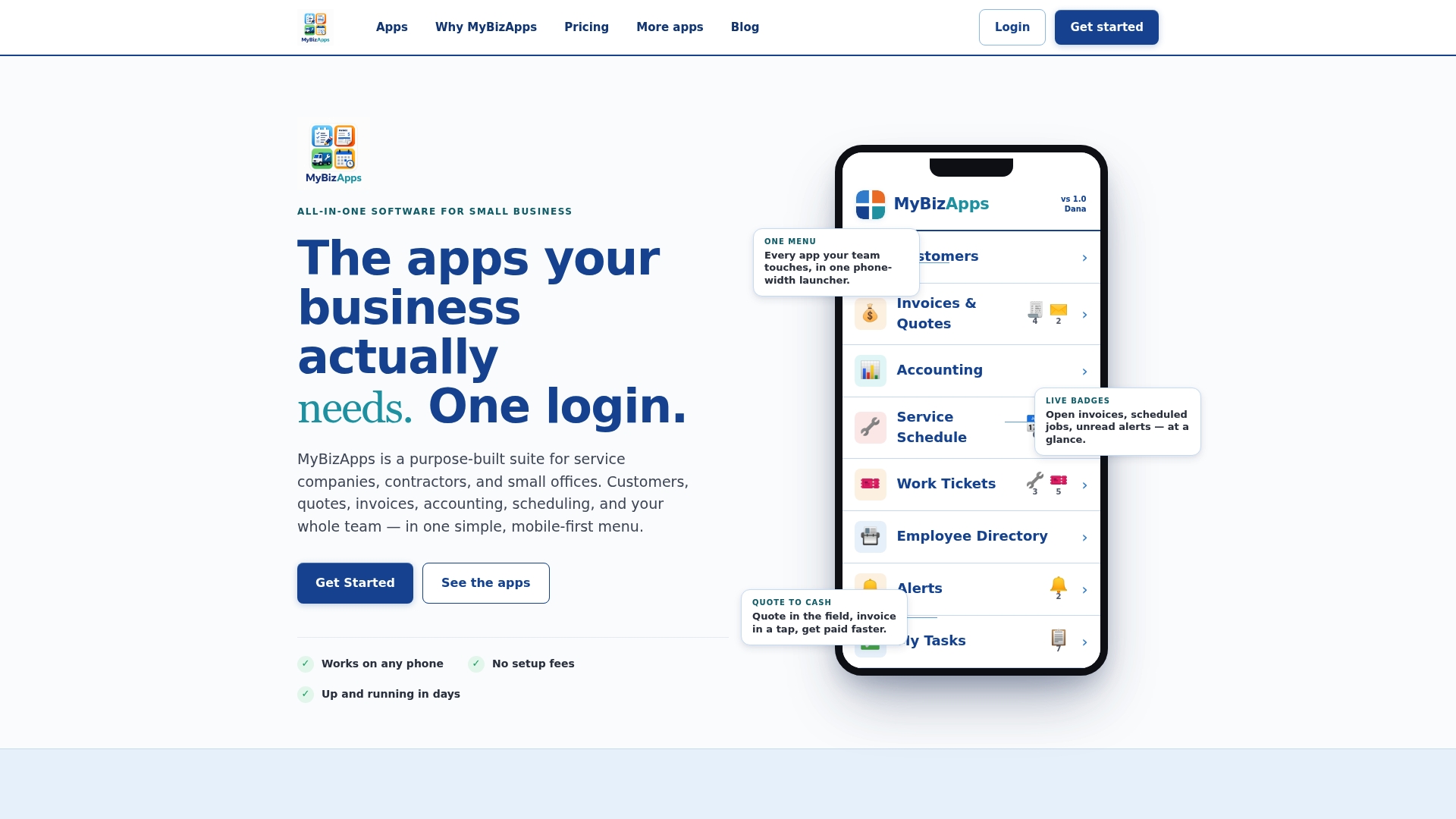
- Marketing Dashboard: schedule campaign content and track performance against your calendar dates.
- Bookings and Service Scheduling: sync staffing and appointment slots to your promotional launch dates.
- Billing Module: apply time-limited pricing without manual invoice edits.
If you want to see how the modules fit together for your business, our pricing page lists every plan, each starting at $21 per month.
FAQ
What are the key marketing dates for 2026?
The OAAA Retail Marketing & Promotion Planning Calendar lists the full year of 2026 holidays and recurring promotional dates, including New Year’s Day, Valentine’s Day, Independence Day, Back-to-School, Black Friday, and Cyber Monday. Use it as your starting skeleton, then layer in dates specific to your industry.
What are the marketing holidays for 2026?
Marketing holidays combine traditional calendar holidays, like Mother’s Day and Independence Day, with retail-created events like Black Friday and Cyber Monday. The OAAA calendar also includes awareness months, such as Pride Month, which work well for non-discount, content-driven campaigns.
Can you give me an example of seasonal marketing?
A common example is a Back-to-School campaign that starts with awareness content in July, shifts to promotional emails in early August, and closes with a last-chance SMS push before the school year starts. Timing each phase to a specific lead time, rather than launching everything at once, is what separates a seasonal campaign from a single ad.
What is a 4-5-4 retail calendar?
A 4-5-4 retail calendar divides the fiscal year into quarters made up of a 4-week, 5-week, and 4-week month, which keeps sales comparisons consistent across years regardless of how weekends fall. Retailers use it mainly for financial reporting, and it can run alongside a promotional calendar without conflicting with it.
How far in advance should I plan a major seasonal promotion?
Major, Tier 1 events typically need around 8 to 12 weeks of lead time to cover creative production, approvals, and inventory staging. Smaller or last-minute promotions can run on a 1 to 2 week timeline since they involve fewer moving pieces.
Sources
- OAAA_Retail Marketing & Promotion Planning Calendar- 2026_
- Adobe: U.S. Holiday Shopping Season to Hit Record $275.1 Billion Online, Rising 6.7% YoY