Small Teams: Track Parts Inventory with One Field First Automation
Small Teams: Track Parts Inventory with One Field First Automation
Use mobile barcode scanning tied to labeled bin locations, and link every part pulled to a work order. That combination stops the two most common failures: stockouts on critical parts and duplicate purchases nobody notices until the invoice hits. Move to a dedicated inventory platform once you’re facing repeated stockouts, frequent rush orders, or technicians losing time hunting for parts that should already be on the shelf.
TL;DR:
- Mobile barcode scanning combined with labeled bin locations prevents stockouts on critical parts and reduces duplicate purchases unnoticed until invoicing.
- Moving to a dedicated inventory platform becomes necessary when stockouts occur repeatedly, rush orders rise, or technicians frequently search for parts.
- Using a simple hierarchy like site-room-cabinet-shelf-bin and enforcing check-out rules significantly improves inventory accuracy and accountability.
- Key features to prioritize in software include live scans, multi-site bin support, reorder points, work order integration, and cycle count capabilities.
- Starting with low-stock alerts and small automation steps allows small teams to improve counts and reduce rush orders before scaling to full CMMS solutions.
Table of Contents
- How to Track Parts Inventory: Methods Ranked by Cost and Reliability
- Which Software Features Actually Matter for Maintenance Teams?
- Set Up Your Parts Inventory System Step by Step
- Daily Workflows That Keep Your Counts Honest
- Setting Reorder Points: Min/Max, Safety Stock, and the 80/20 Rule
- When Should You Leave Spreadsheets for a Real System?
- Field-Tested Priorities for Small Teams
- How MyBizApps Simplifies Parts Tracking for Small Service Teams
- Sources
How to Track Parts Inventory: Methods Ranked by Cost and Reliability
Most shops start with spreadsheets, and that’s fine for a single storeroom with fewer than a few hundred SKUs. The failure mode is predictable: someone forgets to update a cell after a job, and three weeks later a critical part is out with no warning. A little discipline (locking down who edits what, and updating counts the same day parts move) buys you time before you outgrow the format.
Paper bin cards still work for tiny operations with a handful of high-turnover parts, especially in a single garage or a one-truck operation.
Mobile barcode or QR scanning is where accuracy jumps. Scanning replaces manual entry at the point of use, which is the single biggest driver of count accuracy during receiving, issuing, and cycle counts.
- Spreadsheets: free, fast to start, breaks down past a few hundred SKUs or more than one storeroom.
- Paper/bin cards: near zero cost, fine for very small kits, no audit trail.
- Barcode/QR scanning apps: low monthly cost, dramatically fewer entry errors, needs phones or scanners on hand.
- Full CMMS platforms: higher cost and setup time, worth it once work orders, assets, and purchasing all need to talk to each other.
Pick the lightest tool that still forces a scan or a same-day update. That single habit outperforms almost any software upgrade you could buy instead.
Which Software Features Actually Matter for Maintenance Teams?
Retail inventory tools are built around sales velocity. Maintenance teams need something different: availability-focused features like asset linking and per-location reorder points, because a part that’s “in stock” at the wrong site is functionally out of stock.
Before comparing any product, check it against this list:
- Mobile barcode or QR scanning with live count updates, not batch uploads.
- Hierarchical bin and location support that works across multiple sites, not just one shelf.
- Min/max reorder points, auto-draft purchase orders, and vendor lead time fields.
- Work-order and asset linking, so pulling a part automatically decrements the count and tags the cost to the right job.
- Cycle count support with check-out/check-in custody tracking and a real audit trail.
- Basic cost reporting and a dashboard you can actually read in under a minute.
Pro Tip: Turn on low-stock alerts first and let them run for a month before you enable auto-generated purchase orders. That gap lets you catch bad counts before they turn into bad buying decisions.
Skip anything that can’t do the first three items on that list. Everything else is a nice-to-have.
Set Up Your Parts Inventory System Step by Step
Physical organization comes before software, every time. A hierarchical label system, room to cabinet to shelf to bin, is often the single biggest factor separating a successful rollout from a failed one.
- Design the location hierarchy. Use a code like site-room-cabinet-shelf-bin, and label every physical location before you touch software.
- Lock down your master fields. At minimum: part number, description, vendor, unit cost, lead time, and reorder min/max.
- Run the initial count. Count physically, export to CSV, and check for duplicate part numbers and mismatched units before import, that’s the most common pitfall.
- Define custody rules. Decide who can check parts out, and require every pull to reference a work order or job number.
- Turn on one automation. Start with low-stock alerts. Add auto-draft purchase orders only after a few weeks of clean counts.
Pro Tip: Scan at five touchpoints, receive, put away, pick, return, and audit. Teams that enforce scanning at all five cut reconciliation time dramatically compared to spot-checking whenever someone remembers.
Daily Workflows That Keep Your Counts Honest
Counts drift the moment someone skips a step, so the workflow matters more than the software running underneath it.
- Receiving: match every delivery to its purchase order before you update counts. Guessing quantities at the loading dock is where errors start.
- Check-out/check-in: tie every part pulled to a work order, since attaching parts to jobs at the point of use keeps counts accurate and shows which assets actually drive spare-part spend.
- Cycle counts vs. full counts: run quick cycle counts weekly on your highest-value parts, and reserve full physical counts for once or twice a year.
- Transfers: log every move between the storeroom and a service truck, not just the initial checkout. Trucks are where inventory quietly disappears.
- Exceptions: when a count doesn’t match, flag it immediately rather than adjusting silently. A one-line note (“count off by 2, checking with tech”) saves hours of guessing later.
Setting Reorder Points: Min/Max, Safety Stock, and the 80/20 Rule
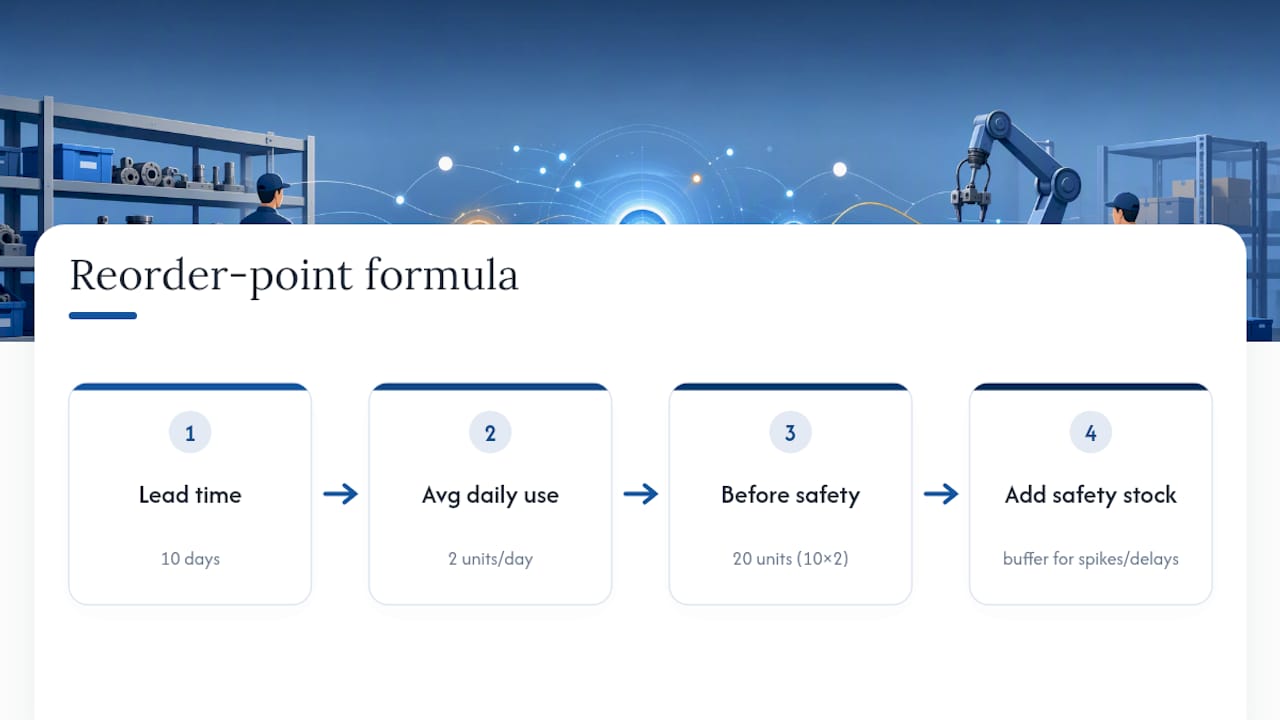
Set your minimum stock level using a simple formula: lead time in days multiplied by average daily usage, plus a safety stock buffer for demand spikes or vendor delays. A part with a 10-day lead time and average use of two units per day needs a minimum around 20 units before safety stock, then add a buffer sized to how painful a stockout would actually be.
Not every part deserves the same attention. Applying the 80/20 rule, concentrating counting effort on the small subset of parts that drive most of your usage or value, lets you count your A-items weekly and your C-items quarterly without burning labor on parts that rarely move.
Watch two numbers as your program matures: turnover rate (how often stock cycles through) and days of supply (how long current stock lasts at current usage). Rising days of supply on low-priority parts usually means you’re overbuying, not understocking. For teams that also track technician performance, service KPI guides offer a useful parallel framework for what to measure and why it matters.
When Should You Leave Spreadsheets for a Real System?
Three signals mean it’s time: repeated stockouts on the same parts, rush orders showing up more than once a month, or technicians regularly waiting on parts that should have been on the shelf.
- Start with a single storeroom pilot, not a company-wide rollout.
- Enable just two automations at first: scan-to-lookup and low-stock alerts. Starting small with a limited pilot protects data quality and gets your team’s buy-in before you scale.
- Measure ROI through fewer rush buys and less time spent on manual counts, both show up within the first month or two.
Field-Tested Priorities for Small Teams
Fix the shelves before you fix the software. A messy storeroom digitized is still a messy storeroom, just with a login screen attached. Start with mobile scanning plus one automation instead of a full CMMS rollout on day one, and track technician minutes saved and rush orders avoided as your earliest proof the change is working.
— Philip
How MyBizApps Simplifies Parts Tracking for Small Service Teams
Most inventory apps stop at counts. Some modern platforms connect parts tracking, work orders, and invoicing under one mobile-first login, so a part pulled on a job site updates your inventory and your invoice at the same time. That single link is what consolidated workflows are built to solve: fewer duplicate purchases, faster invoicing, and one less app your technicians have to open in the truck.
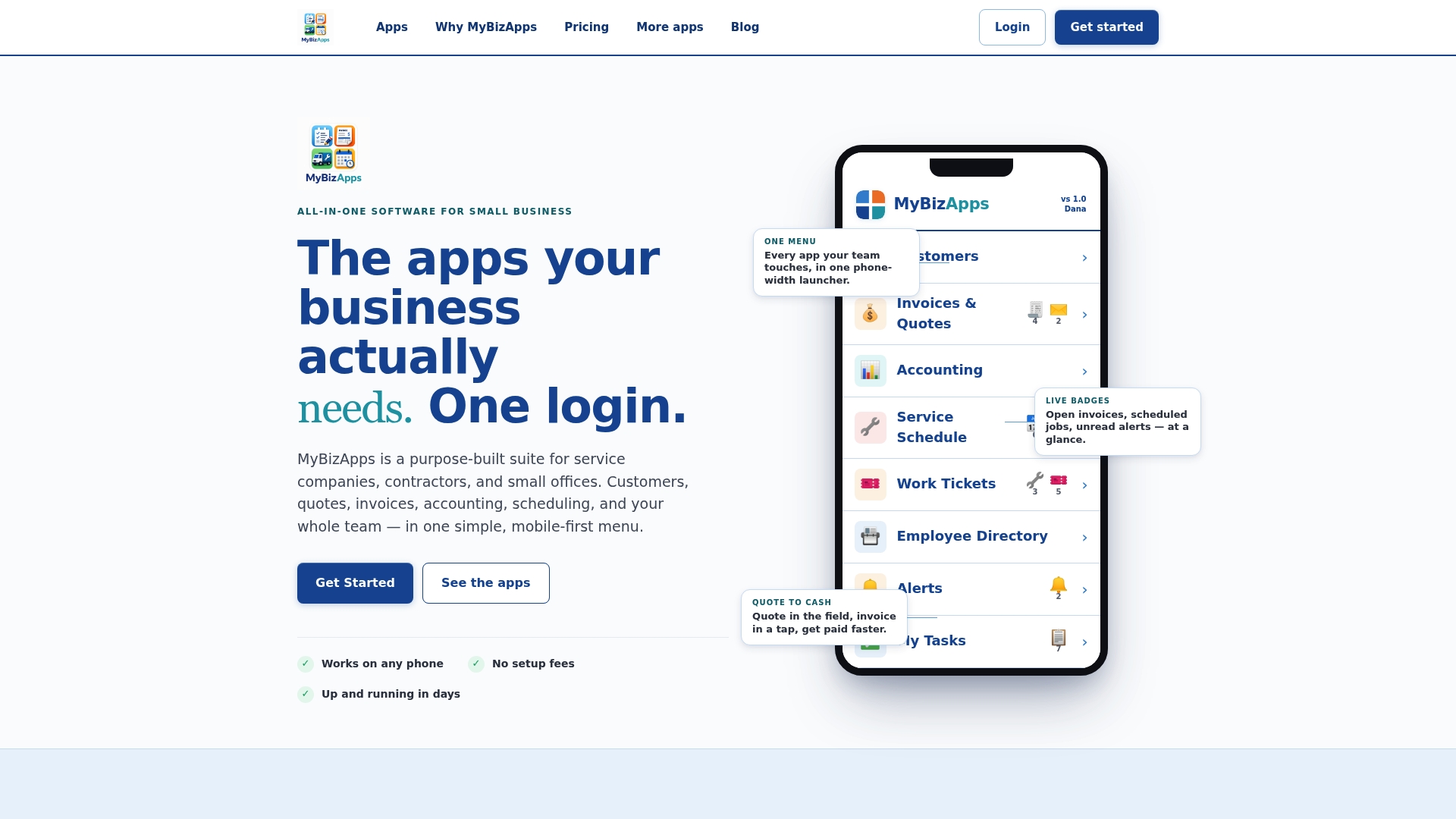
Customers using integrated platforms like this report faster invoice turnaround and cleaner cash flow, since billing doesn’t wait on someone manually reconciling parts used against a spreadsheet. If you’re running scheduling and dispatch alongside your storeroom, it’s worth reading how scheduling without double-booked trucks fits into the same system.
Check the price sheet to see which plan tier fits your team size, or compare tiers on the pricing page before you start a trial.