Online Deposits for Service Jobs: Six Steps From Booking to Invoice
Online Deposits for Service Jobs: Six Steps From Booking to Invoice

Yes, you can and should accept a secure online deposit for scheduled service jobs using a PCI-compliant payment method tied to the booking and job record. Collect the deposit through a hosted or tokenized payment page, link it to the job in your scheduling system, and give the customer clear refund and cancellation terms before they pay. The rest comes down to policy choices and the right integration, like MyBizApps, between payments and your workflow.
TL;DR:
- Use a flat deposit, such as $50, for standardized jobs; for variable work, charge 10% to 20% of the estimate.
- Hosted checkout keeps raw card data off your servers; cards confirm instantly, while lower fee ACH payments may fail or be disputed days later.
- When the final bill may change, use an estimated authorization, request an incremental authorization if scope grows, and reverse unused holds promptly.
- For many canceled orders, issue refunds within seven working days; if service will be delayed, obtain the customer’s consent to wait.
- Test deposits on one or two job types first, then revise unclear refund wording when customers repeatedly ask the same questions.
Table of Contents
- How to set up online deposit collection step by step
- Which payment methods work best for service deposits
- Disclosures, refunds, and the rules you can’t skip
- Building the deposit workflow into your daily operations
- Why deposits are a cash-flow decision, not just a payment setting
- How MyBizApps brings deposits, booking, and billing together
- FAQ
- Sources
How to set up online deposit collection step by step
Before you touch a payment gateway, decide how deposits will work in your business. Most of the technical choices follow from that decision.
- Pick a deposit model. A flat fee works well for standardized jobs (a $50 service call fee); a percentage (10% to 20% of the estimate) fits jobs with variable scope, like remodeling or landscaping.
- Write short, plain policy text. State the amount, when it’s charged, and whether it’s refundable, and display it right above the payment button.
- Choose your capture method. A hosted payment page or customer portal keeps card data off your own servers and reduces your PCI compliance burden, which is why the PCI Security Standards Council recommends outsourcing payment capture to a validated third party whenever possible.
- Decide on authorization behavior. When the final bill is uncertain, use an estimated authorization rather than a hard capture, and plan for an incremental authorization later if the job grows in scope.
- Connect the payment to the booking. Trigger the deposit request the moment a customer books or accepts an estimate, and flag the job record so your team can see which jobs are paid and which aren’t.
- Automate receipts and reconciliation. Generate a receipt immediately, apply the deposit to the final invoice at job completion, and record any reversal or refund against the original transaction.
Pro Tip: Keep the deposit request on the same screen as the booking confirmation; separating the two steps is where most customers abandon the payment.
Once this flow is built once, it runs on its own. The only ongoing work is adjusting the deposit amount and wording as you learn what customers push back on.
Which payment methods work best for service deposits
Not every payment method suits a deposit the same way. Here’s how the common options stack up operationally:
- Card payments give you real-time authorization and instant confirmation, and tokenizing the card lets you charge the remaining balance later without asking the customer to pay again; just note that authorization holds have a limited validity window, and partial reversals need to follow your processor’s timing rules.
- ACH or ACH debit carries lower per-transaction fees than cards, which matters for larger deposits, but the return window is longer, so a failed or disputed ACH payment can surface days after you thought the deposit cleared.
- Hosted checkout, a customer portal, or a pay-by-link option keeps you out of handling raw card numbers at all, which is the simplest way to stay within a smaller PCI scope while still taking payment online.
- Stored credentials for follow-on charges make final billing faster since the customer already consented to the charge, though you take on different dispute liability than you would for a one-time, customer-initiated payment.
For most service businesses, a hosted payment page paired with tokenized follow-on billing covers both the deposit and the final invoice without asking customers to re-enter payment details twice; see this detailed guide on payment processing for creators for insights on handling global sales.
Disclosures, refunds, and the rules you can’t skip
Collecting a deposit online puts you under consumer protection rules that apply to any prepaid, scheduled service. The FTC’s Mail, Internet, or Telephone Order Merchandise Rule requires that canceled orders be refunded promptly, generally within seven working days for many payment methods, and that expectation carries over naturally to service deposits.
Refunds must be issued within seven working days in many cases when an order is canceled, which means your refund process needs to be fast, not just eventually correct.
Before you take a dollar, disclose the deposit amount, whether it’s refundable, and what happens if you can’t deliver the service on time; if you expect a delay, get the customer’s consent to wait rather than assuming it. On the card network side, Visa’s authorization and reversal guidance requires using the correct authorization type (estimated versus final) and reversing unused holds promptly, since getting this wrong increases dispute liability down the line. Time-stamped job records and automatic receipts do more to prevent disputes than any amount of after-the-fact explaining.

Building the deposit workflow into your daily operations
A deposit only earns its keep when it’s wired into the rest of your job workflow, not handled as a separate step in a different app.
- Write the policy (amount, refundability, timing) in language a customer reads in ten seconds.
- Pick the gateway or hosted page that matches your PCI scope and payment mix.
- Set the trigger point, usually booking confirmation or estimate acceptance, where the deposit request fires automatically.
- Turn on tokenization so the final invoice can be charged without a second payment request.
- Configure receipts and reconciliation so every deposit maps to a job and, eventually, an invoice line.
Pro Tip: A job record that shows “deposit paid” at a glance stops the most common office mistake: dispatching a crew to an unpaid, unconfirmed job.
A typical job then moves in a single line: booking and deposit collected, job scheduled, work performed, final invoice issued with the deposit applied, and any refund or adjustment processed against that same record. Running bookings, billing, scheduling, and the customer portal under one login means the deposit flag, the job ticket, and the final invoice all point to the same customer record instead of three disconnected systems. That’s the difference between chasing paperwork and just checking a dashboard. For a closer look at how fragmented billing costs real money, see From quote to cash: closing the gap that quietly costs you money, and for how loose job tracking turns into disputes, see Turning “can you take a look at this?” into a tracked work ticket.
Why deposits are a cash-flow decision, not just a payment setting
Deposits do two things at once: they cut no-shows and they put working capital in your account before the job starts instead of weeks after. I’d rather see a business test a deposit policy on one or two job types first, maybe its highest no-show category, before rolling it out everywhere.
Watch how customers react to the wording, not just whether they pay. If people keep asking the same question about refunds, your disclosure isn’t clear yet, and that’s worth fixing before you scale the policy to your whole book of business.
— Philip
How MyBizApps brings deposits, booking, and billing together
We built our platform so the deposit workflow described above doesn’t require stitching together separate tools. Here’s how the pieces map:
- Bookings handles the scheduling trigger that fires the deposit request the moment a customer confirms a time slot.
- Billing Module applies the collected deposit to the final invoice automatically when the job closes out.
- Service Scheduling keeps the job record and the payment status visible together, so no crew gets dispatched to an unpaid job.
- Customer Portal gives customers a hosted page to pay deposits and view invoices without you handling card data directly.
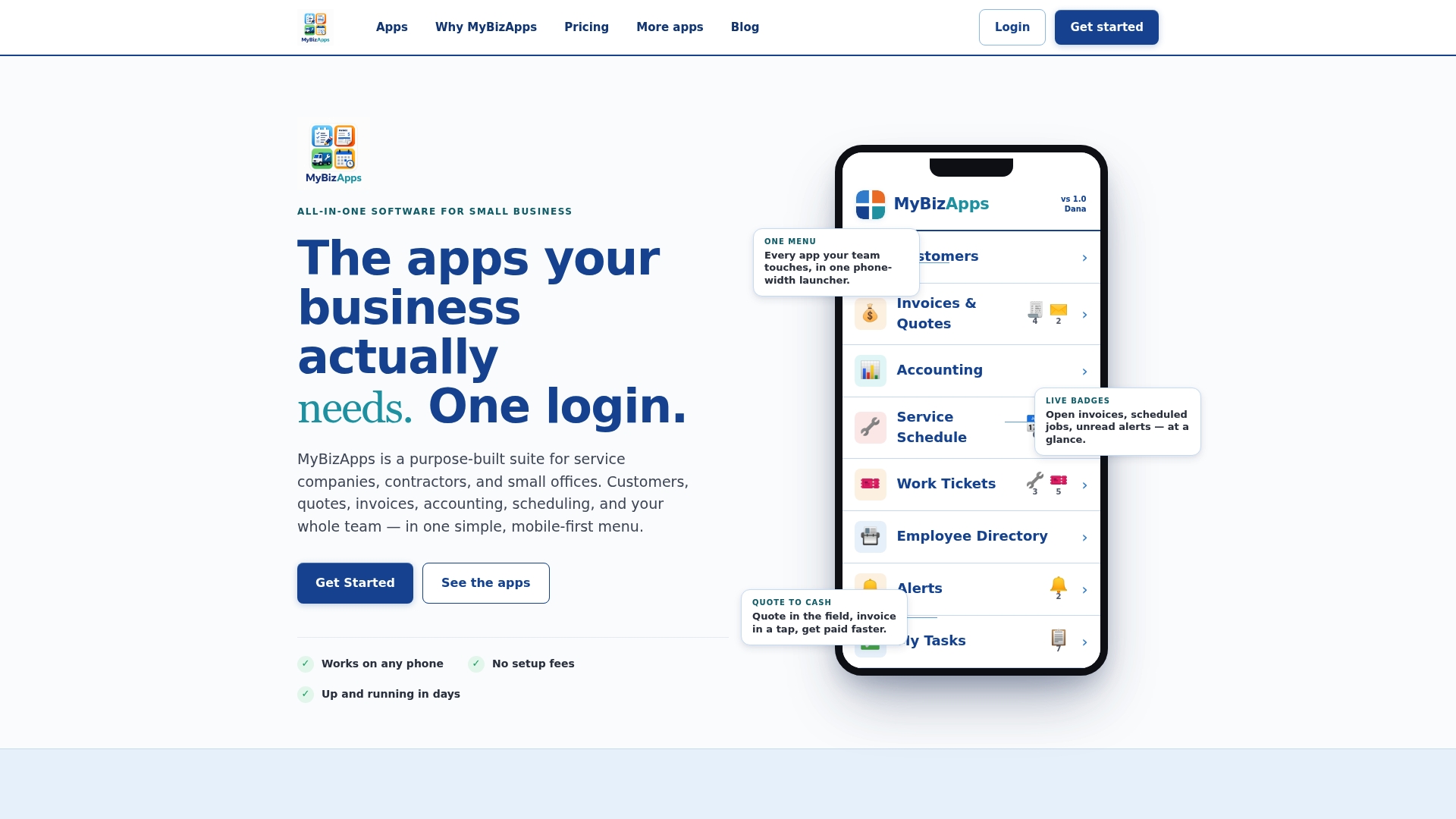
Each of these runs under one login alongside accounting, work tickets, and the rest of your operations, with modules priced individually so you add what you need. Full details on pricing and modules are available if you want to see what fits your business, and our price sheet breaks down every plan. If you run a shop with its own deposit needs, like an oil change business, there’s a dedicated setup for that too. Start by reviewing the pricing page and picking the modules that match your current booking and invoicing process.
FAQ
How do I decide between a percentage and a flat-fee deposit?
Pick the option that is easiest for customers to calculate in their head before they book.
What payment method is safest for collecting service deposits online?
A hosted payment page or tokenized checkout is generally the safer choice because it keeps raw card data off your own systems, which PCI guidance for small merchants recommends to reduce compliance scope. Card payments confirm instantly, while ACH costs less per transaction but carries a longer return window.
How quickly must I refund a canceled service deposit?
Under the FTC’s Mail, Internet, or Telephone Order Merchandise Rule, refunds generally must be issued within seven working days in many cases when an order is canceled. Build your cancellation flow to trigger the refund automatically rather than waiting for a manual request.
How long does it take to set up online deposits for my business?
A basic hosted-page deposit flow can be running within a day or two once you’ve written your policy text and chosen a gateway. Full integration with scheduling and invoicing, where the deposit automatically applies to the final bill, typically takes longer depending on how many systems you’re connecting.
What does it cost to accept online deposits?
Costs include your payment processor’s per-transaction fee plus whatever software you use to manage bookings and invoicing; on MyBizApps, most individual modules like Bookings, Billing, and Scheduling are available at monthly subscription fees, while some apps such as Food Truck or Drink Orders are available at no monthly fee. Review the pricing page for the current module list before deciding what you need.
Sources
- Business Guide: FTC’s Mail, Internet, or Telephone Order Merchandise Rule
- Small Merchant Guide to Safe Payments (PCI SSC)
- Authorization and reversal processing best practices for merchants (Visa)