SMS Reminders That Cut No Shows in Two Weeks for Small Businesses
SMS Reminders That Cut No Shows in Two Weeks for Small Businesses

Yes, SMS notifications for appointments reliably cut no-shows, and the fastest path to results is enabling one confirmation text and one reminder text with a simple reply option. Trials consistently show measurable drops in missed visits when texts replace or supplement phone calls. Start by turning on automated reminders inside whatever booking tool you already use, then watch your show-up rate for some time before adding anything fancier.
TL;DR:
- Sending one confirmation message and one reminder with a reply option can reduce appointment no-shows by up to 11 percent, particularly in higher-miss industries like mental health.
- Automated SMS reminders can be easily enabled through existing booking tools, with simple timing around booking and 24 to 48 hours before the appointment proving most effective.
- Cost framing, such as mentioning missed appointment fees, enhances reply rates, especially in industries where clients are aware of such charges.
- Basic integration options include setting up reminders within booking software or connecting via API for larger operations, but running a two-week pilot on one service line minimizes risks.
- For healthcare, compliance requires opt-in consent, clear STOP instructions, and routing sensitive info through secure portals rather than plain SMS.
Table of Contents
- Why SMS Reminders Actually Reduce No-Shows
- How to Set Up Automated SMS Reminders
- What Should an Appointment Reminder Text Actually Say?
- Choosing the Right Integration and Delivery Setup
- TCPA and HIPAA Compliance for Appointment Texts
- Tracking Results and Improving Over Time
- How MyBizApps Handles SMS Reminders for Service Teams
- What I’d Prioritize in a Two-Week Pilot
- Start a Reminder Pilot With MyBizApps
- Sources
- FAQ
Why SMS Reminders Actually Reduce No-Shows
The evidence isn’t thin here. Randomized trials show SMS reminders cut missed appointments at rates comparable to phone calls, at a fraction of the staff time. A pragmatic randomized study found that adding one extra targeted text reminder cut no-shows by 7% in primary care visits and 11% in mental health visits, where missed appointments tend to run higher.
By the numbers: One large safety-net health system saw attendance climb to 72.8%, versus 66.1% without SMS reminders, for an operating cost of roughly $58,986 across the study period.
The behavioral logic is simple. People read texts almost immediately, and a reply of “C” to confirm or “R” to reschedule takes five seconds. Messages that mention what a missed visit actually costs the business tend to outperform generic confirmations, though results vary by industry. A dental practice with a $150 no-show fee gets more mileage from cost framing than a hair salon booking a $40 trim.
How to Set Up Automated SMS Reminders
You don’t need a developer to get started, but you do need a plan for what happens when someone replies. Two paths work, depending on your technical comfort and how tightly you want reminders wired into your existing calendar.
Quick enable path (most small businesses):
- Open your booking or scheduling software and look for “notifications” or “reminders” in settings.
- Set two send times: one at booking confirmation, one 24 to 48 hours before the appointment.
- Send a handful of test messages to your own phone and a coworker’s before going live.
- Assign someone to monitor incoming replies for the first week.
Advanced integration path (multi-location or high-volume teams):
- Connect your calendar or CRM to an SMS provider through a webhook or API.
- Provision a dedicated business number, not a personal cell.
- Set up delivery monitoring so bounced or undelivered texts trigger a flag, not silence.
Pro Tip: Run your pilot on one service line or one staff calendar for two weeks before rolling it out company-wide. You’ll catch wording problems and reply-routing gaps while the stakes are still small.
Either path needs the same operational basics underneath: a clear opt-in moment when the appointment gets booked, a recognizable sender name or number, and a defined workflow for who handles a “RESCHEDULE” reply at 7 a.m.
What Should an Appointment Reminder Text Actually Say?
Timing does a lot of the work. A confirmation text at the moment of booking, a reminder 48 to 72 hours out, and a final nudge 24 hours before tend to outperform a single blast the night before.
- Confirmation: “You’re booked with [Business] on [date] at [time]. Reply YES to confirm or RESCHEDULE to pick a new time.”
- Reminder with prep note: “Reminder: your appointment is tomorrow at [time]. Please arrive 10 minutes early and bring [item]. Reply NO if you need to cancel.”
- Cost-aware nudge (use carefully): “Just a heads up, missed appointments are billed at $[X]. Reply YES to confirm or call us to reschedule.”
Pro Tip: Test one variable at a time. Swap “Reply YES” for “Tap to confirm” for two weeks and compare reply rates before changing anything else.
Keep reply keywords consistent across every message. YES confirms, NO cancels, RESCHEDULE routes to a callback or booking link. Build that flow once and every future template inherits it. A/B testing wording matters more than most owners expect. Small changes in phrasing, not just timing, shift how many people actually respond.
Choosing the Right Integration and Delivery Setup
Native reminders inside your booking software are the lowest-effort option and work fine for a single location with predictable volume. Marketplace add-ons sit a notch above that, usually adding two-way messaging without requiring a developer. API connections give you the most control but need someone comfortable managing webhooks and error logs.
- One-way alerts need no extra staffing. Two-way inboxes need someone assigned to read and act on replies daily.
- Long code numbers work for low-to-moderate volume and support two-way conversation.
- Toll-free numbers handle higher volume with better deliverability once registered.
- Short codes cost more but deliver fastest at scale.
Test any new number with a small batch of real customer numbers first. Carrier filtering can silently block messages that look like spam, and you won’t know until delivery reports show gaps.
TCPA and HIPAA Compliance for Appointment Texts
Appointment reminders are informational, not promotional, which under current TCPA guidance generally requires only prior express consent, not the stricter written consent promotional texts need. That line gets blurry fast if a reminder starts including upsells or marketing language, so most compliance teams draw it conservatively.
A 2025 Federal Register notice reflects court action on prior express written consent rules, a reminder that FCC requirements shift and conservative consent practices age better than clever workarounds.
For healthcare providers, standard SMS is not secure enough for protected health information. Keep four tasks on your checklist:
- Add clear opt-in language to intake and booking forms.
- Include STOP instructions in every automated message.
- Log consent records with a timestamp, not just a checkbox.
- Route any message containing diagnosis or treatment details to an encrypted portal instead of plain SMS.
Tracking Results and Improving Over Time
Four numbers tell you if your reminder system works: confirmation rate, no-show rate, cancellation rate, and reply rate. Divide your total reminder cost by appointments kept to get a rough cost per saved visit, then compare that against your average appointment value for a quick ROI check.
- Test send timing first (48 hours versus 24 hours) before touching wording.
- Test whether adding a prep note or cost mention changes reply behavior.
- Expand from one team to the full business once no-show rate drops for two consecutive weeks.
- Watch bounce and complaint rates weekly. A rising complaint rate usually means message frequency, not content, is the problem.
How MyBizApps Handles SMS Reminders for Service Teams
MyBizApps runs SMS notifications for appointments through the same login as your scheduling and customer records, so a reminder pulls appointment details automatically instead of requiring manual entry. That matters for a contractor or salon owner juggling bookings between job sites and a front desk.
- Service scheduling feeds appointment times directly into templated messages, no double entry.
- Customer Portal access lets clients confirm or reschedule without a phone call.
- Reporting shows confirmation and reply rates by service line, so you can see what’s working.
A practical rollout looks like this: enable one reminder template, run it on a single service team for two weeks, then check the reports before expanding. Compliance stays built into the workflow. Opt-in capture happens at booking, STOP language sits in every automated text, and consent records log automatically rather than living in someone’s memory.
What I’d Prioritize in a Two-Week Pilot

If you’re testing this for the first time, pick one reminder sequence and stick with it. Two messages, confirmation and a 24 hour reminder, is enough to see real movement in your show-up rate within two to four weeks. Resist the urge to add a third or fourth touch before you’ve measured the first two.
The pitfalls that actually sink these systems aren’t complicated. Nobody’s watching the reply inbox, opt-in consent never gets logged, or delivery reports sit unread while messages quietly bounce. Fix those three things and the reminders mostly take care of themselves.
— Philip
Start a Reminder Pilot With MyBizApps
Scheduling, customer records, and appointment texting can be managed under one login, so you’re not stitching together a booking tool, a separate texting app, and a spreadsheet just to send a reminder. That’s the real advantage over piecing together standalone tools: one system, one price, no juggling logins between your calendar and your messaging platform.
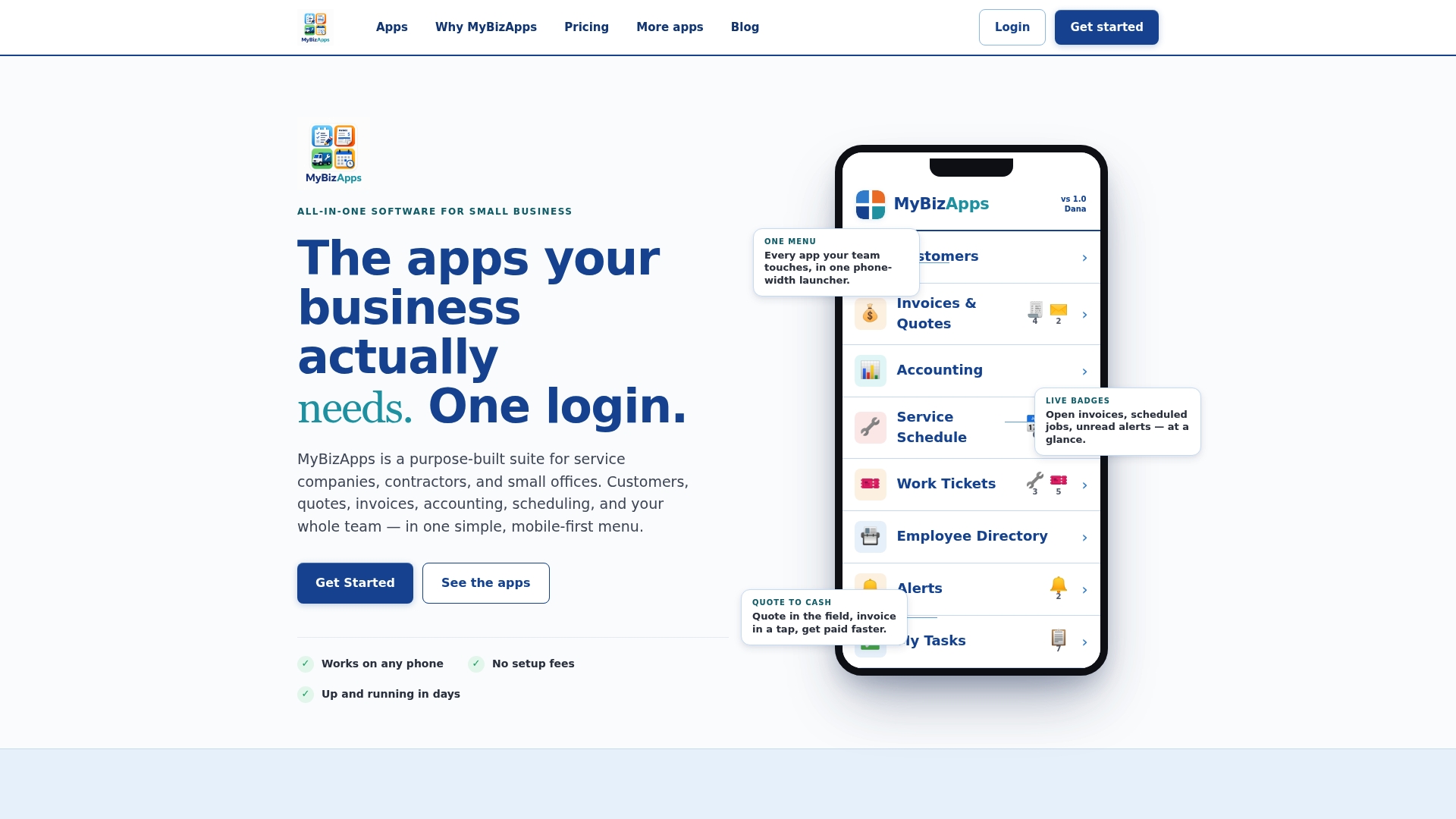
Every plan, including Service Scheduling at $21 per month, runs on the same mobile-first interface your team already uses for quotes and invoicing. Service shops can see how this looks in practice on the Oil Change Shop page, which walks through scheduling and reminders for a specific vertical. If you’re comparing broader CRM options for a service business, tools like KeSbatty show a similar all-in-one philosophy from a different angle.
Sign up, enable reminders on one service team, and check your show-up rate in two weeks. Full pricing details sit on the MyBizApps price sheet if you want to plan the rollout before you commit.

Sources
For deeper reading on the research and rules behind this guide, see the Harvard trial data on SMS reminders, the Denver Health pragmatic implementation study, current TCPA compliance rules, and the NIST practice guide for secure mobile health data sharing.
- Randomized trials showing SMS reminders reduce missed appointments
- Pragmatic randomized study of targeted text message reminders to reduce missed clinic visits
- Federal Register: Conforming FCC rules to court decision (Prior express written consent) — 2025
FAQ
How Can I Set Up Text Message Reminders for Appointments?
Turn on the built-in reminder feature in your booking or scheduling software, set a confirmation text at booking and a reminder 24 to 48 hours out, then test with your own number before going live. Platforms like MyBizApps handle this through Service Scheduling, which links reminders directly to your existing appointment calendar.
Where Can I Get Free Text Reminders for Appointments?
Some booking platforms include basic SMS reminders in a free tier, though features like two-way replies and reporting usually sit behind a paid plan. Check your current scheduling tool’s settings first since many already include this at no extra cost before you shop for a separate service.
Can I Send an Automated Text to Confirm an Appointment?
Yes, automated confirmation texts are standard practice and count as informational messages under TCPA guidance, which means they generally need only prior express consent rather than written consent. Include a simple reply option like “YES to confirm” to make the process frictionless for clients.
Do SMS Appointment Reminders Actually Reduce No-Shows?
Yes. Trials show consistent reductions, including a 7% drop in primary care and an 11% drop in mental health visits when an extra targeted reminder was added to the standard reminder sequence. A separate safety-net health system saw attendance rise to 72.8%, up from 66.1%, after adopting SMS reminders.