Technician Skills Scheduling: Test It on Your Next Dispatch Day
Technician Skills Scheduling: Test It on Your Next Dispatch Day

Technician skills scheduling means assigning each job to a technician whose qualifications, availability, location, and time fit the work, so fewer jobs end in repeat visits and more hours go to billable work. Capture skills and certifications, shift availability, job requirements, drive distance, expected duration, and priority. Start with a small skills matrix and run the assignment sequence below on your next dispatch day.
TL;DR:
- Treat certifications, safety rules, and customer time windows as mandatory; preferences such as shorter drives or familiar technicians can never override eligibility.
- Keep the skills matrix small, use dispatcher language, record proficiency and certification expiry separately, and map every common job to its minimum required level.
- After screening qualifications, availability, and capacity, rank eligible technicians by duration, routing, customer commitments, and priority; escalate shortages instead of relaxing safety rules.
- Pilot one crew for a few weeks, track repeat visits and first trip fixes against a baseline, and expand only when goals are met.
- A Forrester study reported productivity gains up to 14% after full implementation, but treat that vendor evidence as directional and measure your own results.
Table of Contents
- 1. Why does skills-based scheduling matter for your bottom line?
- 2. What constraints must dispatchers capture first?
- 3. How do you build a skills matrix dispatchers will actually use?
- 4. What assignment sequence picks the right technician every time?
- 5. Which tool features support skills-aware scheduling?
- 6. How do you roll this out without a heavy project?
- 7. Which metrics show the program is working?
- 8. What trade-offs should you expect, and how do you explain the change?
- 9. How does MyBizApps support skills-based scheduling for small service teams?
- FAQ
- Sources
1. Why does skills-based scheduling matter for your bottom line?
A job sent to the wrong technician rarely fails loudly. It fails as a second trip, a bay sitting empty while a specialist drives across town, or a customer waiting an extra day for a part nobody checked. Each of those costs fuel, labor, and goodwill, and the dispatcher usually hears about it last.
Matching the job to the skill fixes the problem at the source. First-time fixes go up, dispatchers stop re-planning the day around mistakes, and finished work reaches invoicing sooner. Operations-research literature backs the underlying logic: skill substitution, cross-training, and learning materially change scheduling outcomes, which is why a plain “can do / can’t do” list often disappoints.
Vendor evidence points the same direction, as directional support rather than a promise for your shop.
A Forrester study of modernized field service operations reported up to 14% technician productivity gains once fully implemented, along with less administrative work and clearer visibility into technician output. Treat that as a reason to measure your own baseline, not a target to copy.

2. What constraints must dispatchers capture first?
A valid schedule starts with knowing which rules cannot bend. Google’s Workforce Scheduling documentation combines roles, skills, availability, shifts, coverage, and prioritized constraints, with mandatory requirements satisfied first and preferences minimized afterward. Dispatchers can borrow that thinking without any software.
Mandatory constraints are the non-negotiables: current certifications, safety requirements, and customer time windows. Preferences are the nice-to-haves: shorter drives, higher utilization, a technician the customer already knows. Distance should never override a required qualification.
Record these fields for every technician and job:
- Skill name and level: for example, brake service, level 2 of 3.
- Certification and expiry date: so a lapsed credential removes someone from eligibility automatically.
- Shift availability: hours, days off, and approved time away.
- Estimated job duration: realistic, not best case.
- Parts needed: confirmed on hand or on order before dispatch.
- Bay or equipment requirements: a lift, a diagnostic tool, a specialty truck.
- Priority tier: mandatory, high, medium, or low.
Priority tiers tell any optimizer, human or automated, what to protect. Mandatory items are never traded away. High items give way only when mandatory rules demand it. Medium and low items are where you flex for a shorter route or a better-balanced day.
3. How do you build a skills matrix dispatchers will actually use?
Most skills matrices die because they were designed for a spreadsheet audit instead of a dispatch decision. Build yours for the person who has to place a job quickly.
Start small: a manageable number of skill areas and proficiency levels (for example, assisted, independent, can train others). Expand only when dispatchers tell you the current detail is not enough to choose between two people.
A few rules keep it usable:
- Use dispatcher language. Label rows the way jobs are called in, such as “mini-split install” or “tire and alignment,” not internal training codes.
- Mark mandatory certifications separately. Note the credential and its expiry beside the skill so eligibility is visible at a glance.
- Map jobs to required levels. Each common job type should state the minimum skill level it needs.
- Link to training. Tie each skill row to training records and a cross-training plan so gaps turn into a schedule for closing them.
Pro Tip: Treat skills as constraints, not searchable labels. Keep “must hold this certification” separate from “has done this a lot,” so a convenient route can never silently outrank a required qualification.
4. What assignment sequence picks the right technician every time?
An ordered checklist keeps convenience from overriding rules. The sequence follows the same logic as Google’s scheduling model: requirements first, rankings last.
- Identify the mandatory qualifications, certifications, and equipment the job requires.
- Remove technicians who are unavailable, absent, or off shift.
- Check capacity and shift hours, then shortlist everyone who meets the qualifications.
- Rank the shortlist by realistic duration, routing, customer commitments, and priority tier.
- Confirm parts and tools, assign the job, notify the technician and customer, and update the schedule.
If step 3 leaves no one, escalate before you relax a rule. Moving the customer’s window, borrowing a qualified technician from another crew, or splitting the job are all better than sending someone who is not cleared for the work.
5. Which tool features support skills-aware scheduling?
Whether you are comparing software or writing requirements for a build, judge it against what a dispatcher actually does. Essential features:
- Skill fields with levels on every technician profile.
- Mandatory flags so required skills and certifications block invalid assignments.
- Shift templates that make recurring schedules fast to set up.
- Coverage requirements so a day never goes out without the right skills on the clock.
- Routing with live traffic to keep drive time realistic.
- Real-time notifications to technicians and customers when assignments change.
Advanced features are worth it once the basics hold:
- Skill substitution rules, such as allowing a level 3 to cover a level 2 job.
- Cross-training tracking that shows who is close to a new skill.
- Optimization with priority handling, where an engine treats mandatory constraints as fixed and preferences as adjustable.
- Shift-generation templates that build rosters from coverage needs.
The test of any engine is simple: ask what happens when a mandatory rule and a preference collide. The answer should always be that the preference loses. Tools built as a single suite rather than separate pieces also spare you from re-entering the same technician and job data in three places.
6. How do you roll this out without a heavy project?
You can pilot this in a few weeks with the staff you already have.
- Pick one crew or one job type and run it for a pilot period using a minimal skills matrix.
- Train dispatchers and technicians on the new fields, the assignment rules, and how notifications work.
- Record baseline numbers before you start, so improvement is provable.
- Review exceptions weekly, adjust your ranking priorities, and add cross-training where the same gap keeps blocking assignments.
- Expand to other crews only after the pilot meets its goals.
Pro Tip: Keep a one-line log of every exception, such as “sent level 1 because no level 2 free.” Patterns in that log tell you exactly which skill to cross-train next.
Double-booking is the most common early mistake, and our post on scheduling without the double-booked truck covers how to avoid it. Teams new to structured shift setups can also borrow ideas from caregiver scheduling patterns, where availability, approvals, and time-off requests are managed in one calendar.
7. Which metrics show the program is working?
Pick a handful of numbers and watch them weekly:
- Repeat visits: the clearest sign of skill mismatches.
- First-time fix rate: jobs completed on the first trip.
- Technician utilization: share of paid hours spent on productive work.
- Average travel time per job: the cost of routing choices.
- Dispatch-to-arrival SLA: how often you meet promised windows.
- Invoicing cycle time: days from job completion to invoice sent.
The Forrester-style study cited earlier reports faster invoicing and fewer administrative tasks among its interviewees, which is why invoicing cycle time belongs on your list. Published studies are directional benchmarks only. Set your own baseline, define a measurable goal for the pilot, and collect evidence before widening the rollout. Logging customer communications alongside these numbers also makes follow-up delays easy to spot.
8. What trade-offs should you expect, and how do you explain the change?
Expect utilization to dip at first. When a certified technician must take a job and a closer, uncertified one sits idle, the schedule looks less efficient on paper. Accept that cost: safety and certification compliance are worth more than a few tidy route miles.
With crews, be specific about exceptions. Tell them in advance when and why a job may move, and who approves a rule bend. Show a visible win early, like a customer who stopped needing second trips, so the change feels like relief, not surveillance. Improve in small increments rather than rewriting the whole system.
— Philip
9. How does MyBizApps support skills-based scheduling for small service teams?
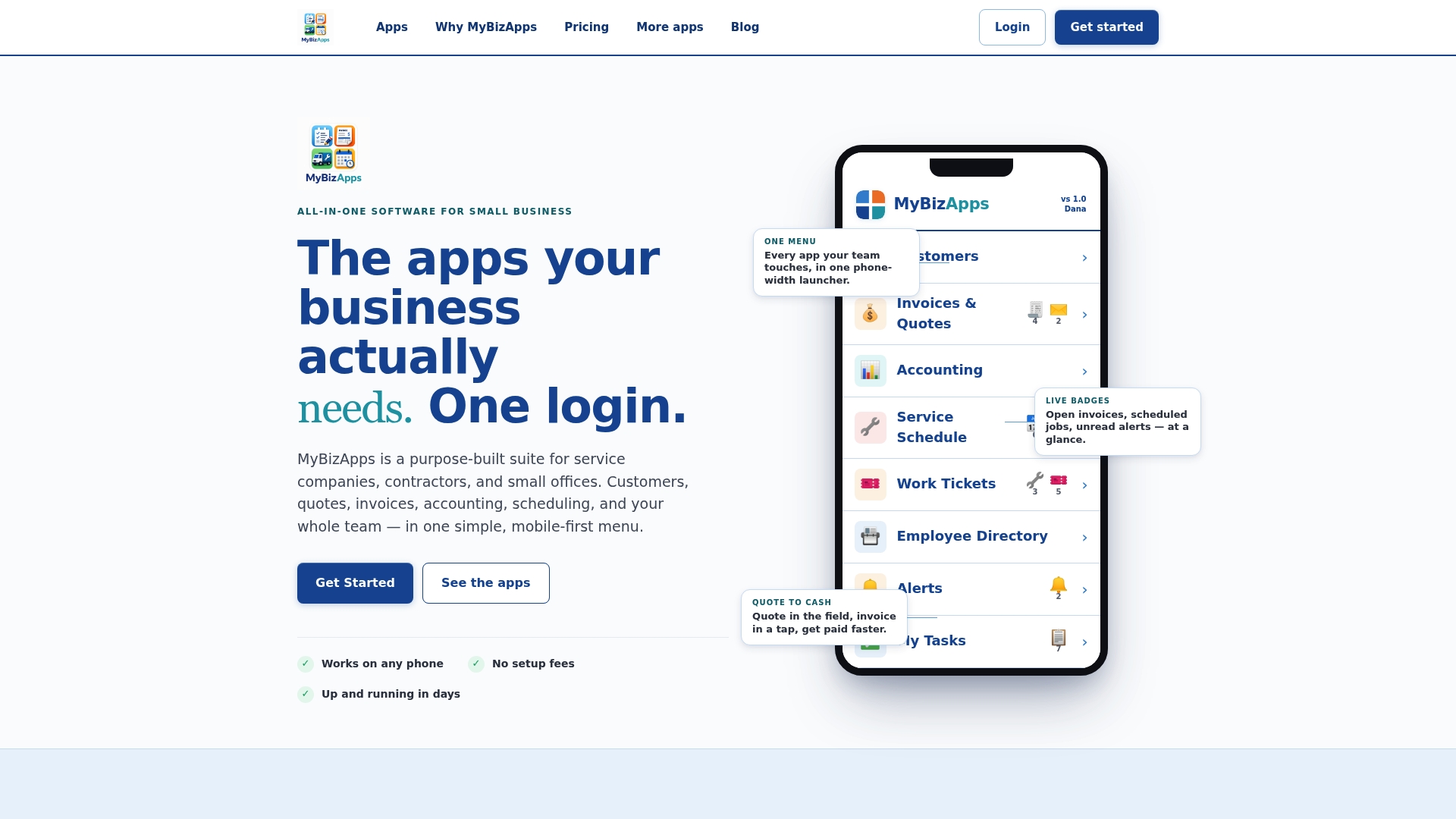
We built our platform so a small service team does not need a collection of tools to dispatch a job. Scheduling, the employee directory, work tickets, and the customer portal sit under one mobile-first login, so technician details, job requirements, and customer history stay together instead of scattered across spreadsheets and texts.
That also makes a pilot easy to start. Add Service Scheduling and Work Tickets for one crew, build your small skills matrix, and run the assignment sequence for a few weeks before deciding what to expand. Service Scheduling is listed at $21 per month on our pricing page. Pick one crew, choose your modules, and start your pilot from our pricing page today.
FAQ
What skills should a scheduler have?
A scheduler needs to understand job requirements, technician qualifications, and shift constraints well enough to separate mandatory rules from preferences. Clear communication and calm prioritization matter as much as any software skill.
What are the key skills of a technician?
Key skills depend on the trade, but dispatchers typically track technical skill areas, safety certifications, and proficiency level for each. Recording level and certification expiry lets you assign work with confidence.
What is the best scheduling software for service technicians?
The best option is the one that supports skill levels, mandatory flags, shift templates, routing, and real-time notifications for the way your crew works. Use the feature checklist above to test any tool, including ours, against your own jobs.
How do you learn scheduling skills?
Start by running a small pilot with a simple skills matrix and the assignment sequence. Operations-research reviews on skills-based scheduling can deepen your understanding if you want the theory behind it.
Sources
- Workforce Scheduling | Operations Research API | Google for Developers
- Forrester study finds 346% ROI when modernizing service operations with Dynamics 365 Field Service - Microsoft Dynamics 365 Blog
- Ideas