Contractor Scheduling: Procedures Beat Rules for Small Crews
Contractor Scheduling: Procedures Beat Rules for Small Crews

Several contractor scheduling methods cover most small service businesses: simple dispatch rules, route-based scheduling, appointment windows, block scheduling, and optimization-based scheduling. Pick by team size, how much your jobs vary, and what you promise customers. A small crew with steady work can start simple, while emergency work and tight arrival promises call for optimization. Below, we cover how to roll out and measure each.
TL;DR:
- Single teams with repeat customers can combine block scheduling with appointment windows; add geographic routing or optimization as crews grow or emergency calls increase.
- Clean service durations, travel estimates, and technician skills; pilot one crew against baseline KPIs, with explainable decisions and dispatcher override controls.
- Measure promised window starts, mean tardiness, travel time, utilization, and first time fix rate against a pre pilot baseline, prioritizing lateness and driving.
- When several jobs are disrupted, replan the remaining day; for emergencies, send the nearest qualified technician and resequence that technician’s other appointments.
- One field service case study found that optimization with intraday adjustments cut travel distance by 20.9% and staffing needs by 12.9% versus manual scheduling.
Table of Contents
- What are the main contractor scheduling methods and when does each fit?
- Why do scheduling procedures usually beat dispatching rules?
- How do you roll out a new scheduling method step by step?
- What should scheduling software do for a small contractor?
- Which KPIs show whether your scheduling is working?
- What do you do when the day goes off plan?
- Where do small teams go wrong with scheduling, in our view?
- How does MyBizApps support a quick scheduling pilot?
- FAQ
- Sources
What are the main contractor scheduling methods and when does each fit?
Each method answers a different operating problem. Here is how they work day to day:
- Simple dispatch rules: Assign the next job to the first available or nearest technician. Assignment is fast and needs almost no setup, but it ignores the rest of the day, so travel and lateness creep up.
- Route-based scheduling: Group jobs by geography so each technician works one area. It cuts windshield time for multi-team operations, though it can bump urgent jobs to the wrong crew.
- Appointment windows: Promise an arrival window instead of an exact time. Customers get predictability, and you gain slack to absorb overruns.
- Block scheduling: Reserve fixed blocks for job types, such as inspections on Tuesday mornings or installs on Thursdays. It suits predictable, appointment-driven work and lowers dispatcher workload.
- Optimization-based scheduling: Software evaluates all jobs, skills, and travel times together and reorders assignments as the day changes. It handles high-variability work best, but it needs clean data and dispatcher trust.
A single-team shop with repeat customers rarely needs more than block scheduling plus windows. Once you run several crews or take emergency calls, route-based and optimization methods earn their setup time.
Why do scheduling procedures usually beat dispatching rules?
A dispatching rule makes one decision from one condition, such as “who is free right now?” A scheduling procedure looks across the whole set of jobs and technicians, then reorders assignments to reduce lateness and travel. The first is quick. The second is smarter, because today’s assignment shapes tomorrow’s problems.
Research on field service points the same way. Experiments on the Traveling Technician Problem found that scheduling procedures dominated dispatching rules across mean tardiness, phone response time, promise time, and response time, and an earlier experimental comparison reached the same conclusion.
Scheduling procedures consistently outperform simple dispatching rules in dynamic field-service environments. The gap shows up on the measures customers feel most: how late you arrive and how fast you respond.
You are ready to invest in procedures when you notice these signs:
- Technicians regularly backtrack across town between jobs.
- Emergency calls break the rest of the day’s plan.
- Your arrival promises slip more than once a week.
- The dispatcher spends more time rearranging than assigning.
How do you roll out a new scheduling method step by step?
Small teams succeed with a narrow pilot, not a big-bang switch. Follow this order:
- Pick the method. Match it to your job types and customer promises, using the fit guidance above.
- Prepare your data. Clean up typical service durations, travel-time baselines, and each technician’s skills and certifications. Bad durations produce bad schedules under any method.
- Run a pilot. Use a few technicians or one service area, record the KPIs below, and adjust weekly.
- Operationalize. Train dispatchers, put the schedule on technicians’ phones, set up customer notifications, and write a rollback plan in case the pilot stumbles.
- Scale. Add crews only after the pilot beats your baseline. Our post on scheduling without the double-booked truck covers common pitfalls at this stage.
Pro Tip: Gartner’s analysis of optimization projects recommends transparency and a “no going back” commitment, because teams abandon projects they do not trust. Commit to the new method, but keep dispatcher override so people can correct the system instead of quietly bypassing it.
What should scheduling software do for a small contractor?
Software should support your chosen method, not force a different one. Use this checklist when you evaluate any tool:
- Mobile technician app: Technicians see jobs, update status, and capture notes from the truck.
- Real-time updates and ETAs: Location and status changes flow back to the office without phone calls.
- Two-way messaging: Dispatchers and customers can confirm, reschedule, and answer questions in one thread.
- Dispatcher schedule view with override controls: You can drag, swap, and lock jobs when reality disagrees with the plan.
- Explainable logic: If the system reorders a day, the dispatcher should see why. Opaque “black box” output is exactly what erodes trust in optimization projects.
- Integrations: Online booking, invoicing, a customer portal, and routing or traffic data should connect, so a booking becomes a scheduled job and then an invoice without retyping. Our guide to online deposits for service jobs shows how that booking-to-invoice flow works.
Reliable booking also depends on attendance. A partner write-up on fixes that cut no-show appointments pairs well with reminders built into your scheduler.
Which KPIs show whether your scheduling is working?
Track a short list, not an overly large dashboard:
- On-time start rate: Share of jobs started inside the promised window. Pull it from booking times and technician check-ins.
- Mean tardiness: Average minutes late against your promise or contractual response time. It links most directly to customer satisfaction.
- Travel time and distance: Taken from route logs or mileage. It links most directly to cost.
- Technician utilization: Billable hours divided by paid hours, taken from invoices and time entries.
- First-time fix rate: Jobs finished without a return visit, tracked through work tickets and invoices.
Record a baseline before the pilot, then compare regularly. Aim first for fewer late arrivals and shorter drives, since those show up fastest. Logging customer contact consistently, as in our guide to logging customer communications, makes the data behind these numbers trustworthy.
Results can be large. A prototype system combining optimization with same-day adjustment cut total travel distance by 20.9% and required workers by 12.9% against manual scheduling in one field-service case study. Another redesign, at ANWB, improved service operations efficiency by 14 percent after moving from manual regional dispatch to optimized national planning.

What do you do when the day goes off plan?
Schedules break by lunchtime more often than owners admit. Use simple contingency rules for small slips, and re-plan the whole remaining day when multiple jobs are affected. A rolling horizon helps: plan the next few hours firmly and the rest loosely, then refresh as news arrives. Research on scheduling on-site service deliveries found that modeling uncertainty in service and travel times and re-optimizing during the day improves on-time starts and customer satisfaction.
Pro Tip: Build a buffer into the last job of each route, so one overrun does not cascade into the evening.
- Delay: Call the next customer before they call you, then swap in a closer job if one fits.
- Emergency call: Assign it to the nearest qualified technician, then re-sequence that person’s remaining jobs.
- No-show: Pull the next nearby job forward or fill the gap with a waitlist customer.
Where do small teams go wrong with scheduling, in our view?
The most common mistake is adopting scheduling technology faster than the team can trust it. Dispatchers who cannot see why the system chose a route will overrule it, and the project quietly dies. Our approach is to start with one crew, measure the KPIs above, and give dispatchers both transparency and override power. Our own case write-ups discuss reliability and scheduling. Method matters, but trust and clean data decide whether it sticks.
— Philip
How does MyBizApps support a quick scheduling pilot?
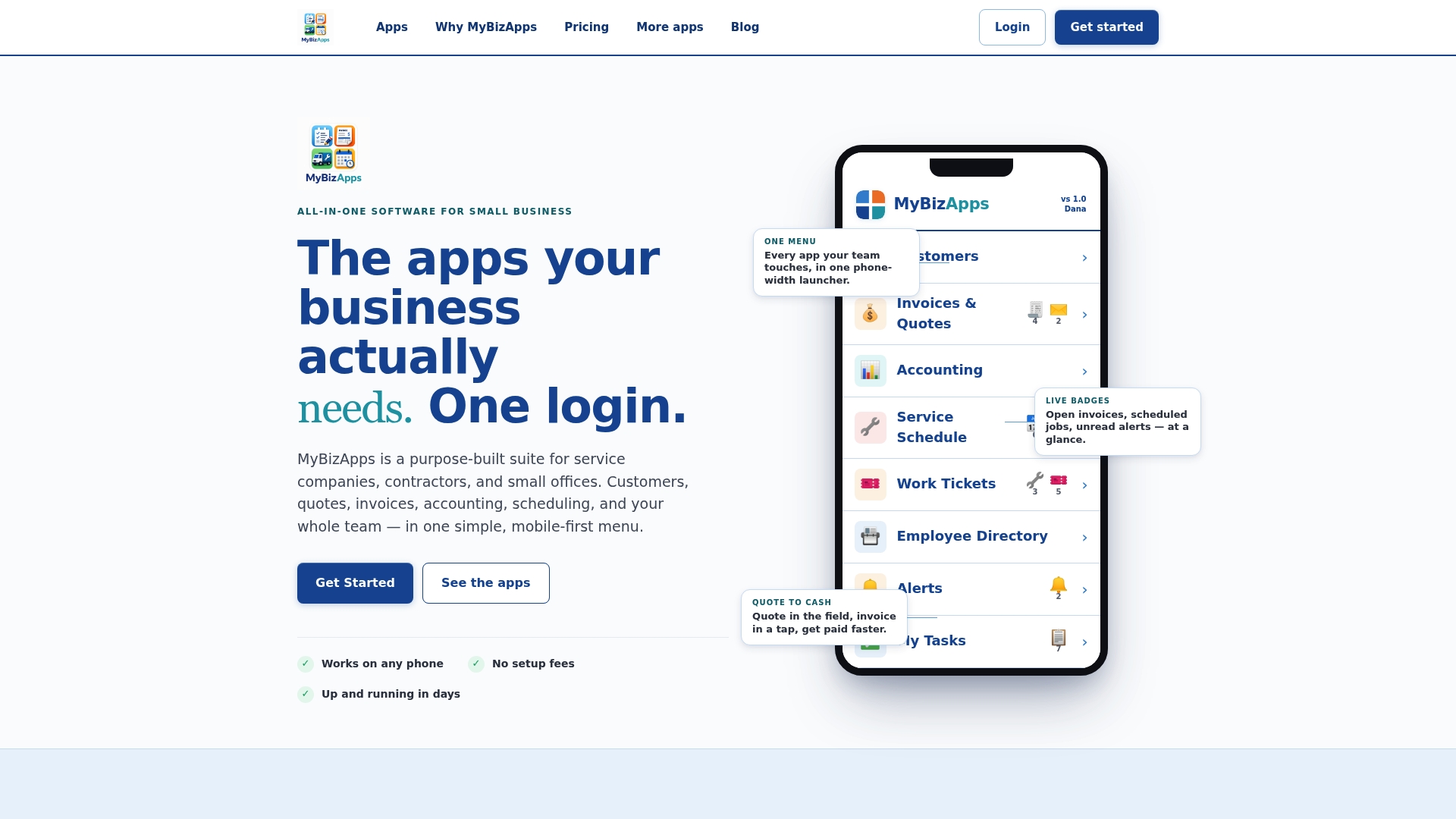
Our platform keeps bookings, service scheduling, mobile access, and invoicing under one login, so a pilot does not require stitching tools together. Start with one crew:
- Use the scheduling module and bookings for that crew.
- Have technicians use the platform on their phones.
- Use the customer portal.
- Track on-time start rate and travel time during the pilot.
Current prices are on our pricing page.
FAQ
What is the simplest scheduling method for a small contractor?
Block scheduling combined with appointment windows is the easiest place to start. It needs no special software, keeps dispatcher workload low, and gives customers a clear arrival promise. Move to route-based or optimization methods as crews and job variety grow.
Are scheduling procedures better than dispatching rules?
Generally yes for service quality. Published field-service research found that scheduling procedures outperform simple dispatching rules on measures like tardiness and response time. Dispatching rules still work for very small, steady operations.
How long should a scheduling pilot run?
Run it long enough to see a stable pattern across normal and busy days, typically a few weeks with one crew or service area. Compare your KPIs against a baseline taken before the pilot begins.
Should dispatchers be able to override automated schedules?
Yes. Override power keeps dispatchers engaged and trusting the system. Gartner’s analysis ties project failure to opaque decisions, which is why we pair transparency with a firm commitment to the new method.
Sources
- Pubsonline
- Launch Field Service Scheduling Optimization That Actually Works
- Workforce Scheduling System to Manage Static Optimization and Dynamic Re-optimization for Field Service | 2019 IEEE International Conference on Systems, Man and Cybernetics (SMC)