Expense Categorization: How to Sort Business Costs Right
Expense Categorization: How to Sort Business Costs Right

Expense categorization means assigning every business cost to one category in your chart of accounts, such as advertising, rent, supplies or insurance. Do it by what the money was spent on, not by who you paid. Do it the same way every time, and keep the receipt. That one habit turns a pile of bank transactions into reports you can budget from and tax records you can defend.
This guide covers how to build a category list that fits a small service business, how to code transactions consistently, how to handle mixed-use costs, and how to cut the manual work.
TL;DR
- Categorize by purpose (what the cost was for), match each transaction to one account, and split payments that cover two things.
- Keep the category list short and stable. Consistency from one month to the next matters more than fine detail.
- The IRS tests a deductible expense as ordinary and necessary, so your categories should make that easy to show.
- Mixed-use costs are deductible only for the business share. Travel, meals and vehicles need extra records.
- Put invoicing, payments and accounting in one system so categories are assigned once, not retyped.
Table of Contents
- What expense categorization actually does
- Build a category list that fits your business
- Categorize by purpose, not by vendor
- Operating, non-operating, fixed and variable: how they relate to categories
- Tax rules that should shape your categories
- Keep your coding consistent
- Where software helps (and where you still decide)
- Our perspective
- Run your books and categories in one place
- A simple monthly routine
- FAQ
- Sources
What expense categorization actually does
A bank statement tells you that $480 left the account on a Tuesday. A categorized ledger tells you it was equipment rental for a job, which is a very different piece of information. Categories group spending so you can see where money goes, compare this quarter with last quarter, set budgets and prepare your return.
Expense coding is the same idea seen from the bookkeeper’s side. Each category has a name and usually a number (a code) in the chart of accounts, and every transaction gets one of those codes. When people search for “expense codes” or “expense categories,” they are describing one list with two labels.
Two questions should be answered for every dollar:
- What was it spent on? (the nature of the cost)
- Why does the category matter? (reporting, budgeting or tax)
If a category cannot answer the second question, you probably do not need it.
Build a category list that fits your business
Start with the categories the IRS itself recognizes. The agency’s recordkeeping guidance lists common deductible expenses: advertising, supplies, insurance, payroll or contract labor, utilities, interest on business loans, legal and professional fees, repairs, taxes, car and truck expenses, depreciation, and travel, transportation, entertainment and gifts. That list is a sound skeleton for almost any small business.
If you file as a sole proprietor or single-member LLC, line your categories up with the lines on Schedule C. Then year-end reporting is a matter of totaling accounts, not re-sorting a year of transactions.
A starter list for a service business or contractor
| Category | What goes in it | Typical example |
|---|---|---|
| Advertising and marketing | Ads, signs, promotions, website costs | Local ad, vehicle decals |
| Vehicle expenses | Fuel, repairs, mileage-related costs | Fuel for the service truck |
| Contract labor | Payments to subcontractors | Electrician hired for one job |
| Wages | Employee pay | Technician payroll |
| Insurance | Business policies | General liability premium |
| Supplies | Items consumed in the work | Fasteners, cleaning products |
| Tools and equipment | Items that last more than a year | Power tools, a work laptop |
| Office expense | Small office items and software | Printer paper, subscriptions |
| Rent and utilities | Shop or office space, power, phone | Monthly shop lease |
| Professional fees | Accountant, attorney | Tax preparation |
| Repairs and maintenance | Keeping existing equipment working | Equipment servicing |
| Taxes and licenses | Business licenses, permits | Contractor license renewal |
| Meals | Business meals | Lunch with a client |
| Travel | Lodging, airfare, transportation | Out-of-town job |
| Other | Anything that truly fits nowhere | Rare, review it each quarter |
Resist the urge to add a category for every vendor. If you have a handful of recurring one-off costs, “Other” with a clear memo works better than twenty accounts with two transactions each. Too few categories hide where money goes, and too many cause the same expense to land in different places depending on who entered it.
A practical example: a cracked screen on a work laptop belongs under repairs and maintenance, not office supplies and not new equipment. If you are unsure what counts as routine servicing, this overview of types of business laptop repairs helps you separate a screen or battery fix from a hardware upgrade, and the invoice you save is the record that supports the category.

Categorize by purpose, not by vendor
The most common coding mistake is sorting by payee. A big-box store sells you fasteners, a shop printer and your crew’s lunch in one transaction. If you code the whole receipt to “Home improvement store,” or to one category, three different costs are blended.
A better routine:
- Ask what the purchase was for. Fasteners for a job are supplies. Lunch is meals.
- Match it to one account in your chart of accounts.
- Split the transaction when it covers two things.
- Attach the receipt or invoice to the entry.
- Add a short memo when the reason is not obvious (the job, the client, the purpose).
Pay particular attention to purchases of equipment. The IRS has a de minimis safe harbor election for tangible property, which lets some small businesses deduct low-cost items instead of capitalizing them. Publication 334 is the place to confirm the current limits and eligibility, and your tax preparer can tell you whether to elect it.
Operating, non-operating, fixed and variable: how they relate to categories
You will see expenses described in other ways too. These are lenses on the same costs, not replacements for your categories.
- Operating vs. non-operating. Investopedia describes operating expenses as tied to a company’s main activities (rent, office supplies, direct labor) and nonoperating expenses as costs not directly related to core operations, such as interest on borrowing.
- Fixed vs. variable. In OpenStax’s managerial accounting text, a fixed cost stays the same in total over the short term even when activity changes, while a variable cost moves in direct proportion to activity.
In practice, your category is the label (“Insurance”), and fixed or variable is a tag you apply when you analyze. Rent is a fixed operating cost. Materials on a job are a variable one. Loan interest is non-operating. Keep the category list for bookkeeping and use the tags when you ask, “What happens to my costs if I take on twice the work?”
Tax rules that should shape your categories
Categories do not create deductions. The tax rules do, and your records have to support them.
Ordinary and necessary
Per the IRS, a deductible business expense has to be both ordinary (common and accepted in your field) and necessary (helpful and appropriate for your business). A clear category plus a memo on anything unusual makes that case for you.
Personal and mixed-use costs
The IRS says personal, living or family expenses are generally not deductible, and that costs such as vehicle expenses that serve both purposes must be divided between business and personal use. Do not hide a mixed cost in a business category. Record the full payment, then split it: the business portion to the expense category, the personal portion to an owner’s draw or equivalent. A phone plan used 70% for work is the classic example: you track and deduct the work share only, using a reasonable basis you can explain.

Meals, travel and vehicles need more detail
For business meals, the Schedule C instructions state that the deduction is 50%. Many owners keep a separate meals account so the full amount is tracked while the deductible portion is easy to calculate.
Travel, gifts and car expenses carry stricter substantiation. Publication 463 requires you to keep records of travel expenses in a log, diary, notebook or other written record, and to allocate a single expense that covers meals, entertainment and other services on a reasonable basis. The Form 2106 instructions say you generally cannot deduct travel, gifts or car expenses without records showing the amount, time, place and business purpose, and that you need receipts for lodging and any other expense of $75 or more.
Note what the memo should say: who, where, why. “Lunch with J. Patel re: kitchen remodel bid” is a record. “Lunch” is not.
Cash or accrual changes when an expense counts
Under the cash method, a small business generally deducts expenses in the year it actually pays them. Under an accrual method, the deduction depends on the all-events test and economic performance, according to Publication 334. Categorization works the same either way, but the date an entry hits your books differs. Our first-90-days guide to cash vs. accrual accounting walks through that choice for a new business.
Keep your coding consistent
Consistency is the quiet requirement behind clean books. Bookkeeping standards expect expenses to be classified by nature, recorded in the period incurred and treated the same way period after period. Habits that make that real:
- Write a one-page category guide. One line per category with what belongs in it and two examples. Anyone entering transactions should use it.
- Do not rename or merge mid-year. If you must, restate prior months so comparisons still work.
- Review “Other” and uncategorized items weekly. A transaction sitting in limbo for three months is a transaction nobody remembers.
- Reconcile monthly. Match the ledger to the bank and card statements, then scan for items that look miscoded, such as a $1,800 repair under office supplies.
- Use rules for recurring vendors. The utility bill goes to utilities every month without a decision.
Where software helps (and where you still decide)
Most accounting tools can suggest categories from past behavior, and some read receipts to pull out amounts and dates. Navan’s overview of automated categorization describes the usual approach: merchant data gives a first-pass classification, receipt scanning extracts the details, and learned patterns refine later assignments, with uncertain items routed for human review. That last step is the one to keep. A suggestion is a draft. Splits, personal items and unusual purchases still need your judgment.
The bigger time saver for service businesses is not smarter guessing but fewer places to enter data. When quotes, invoices, payments and the ledger live in separate tools, the same job gets typed several times and categories drift. If you are weighing that, our post on consolidating business software without disruption covers how to move step by step, and the piece on centralizing business data for contractors explains why one record per job makes audit preparation easier.
Our perspective
We built MyBizApps because small service companies rarely lose track of money in one dramatic mistake. They lose it in the gaps: the invoice written in one app, the payment taken in another, the expense photographed on a phone and forgotten.
Our view is that categorization should happen where the work happens. When a work ticket, an invoice, a card payment and an accounting entry sit under one login, the job and its costs are already connected. You are not reconstructing in March what you did in July.
That is also why we keep the platform modular. Our approach is to let you turn on accounting and billing when you need them, from a mobile-first interface designed for both the field and the office, so the person who buys the materials can record them on the spot. Fewer tools means fewer chances to code the same cost two ways.
Whatever system you use, keep the list short, split mixed costs, and keep the receipt. The software should make those three habits easier, not replace them.
Philip
Run your books and categories in one place
If you are tired of re-entering the same job across invoices, payments and bookkeeping, MyBizApps puts customers, quotes, invoices, accounting and scheduling under a single mobile-first login. The Accounting module and the Billing Module are each $21 per month, and you add only the modules you need. You can see every module and its price on the pricing page.
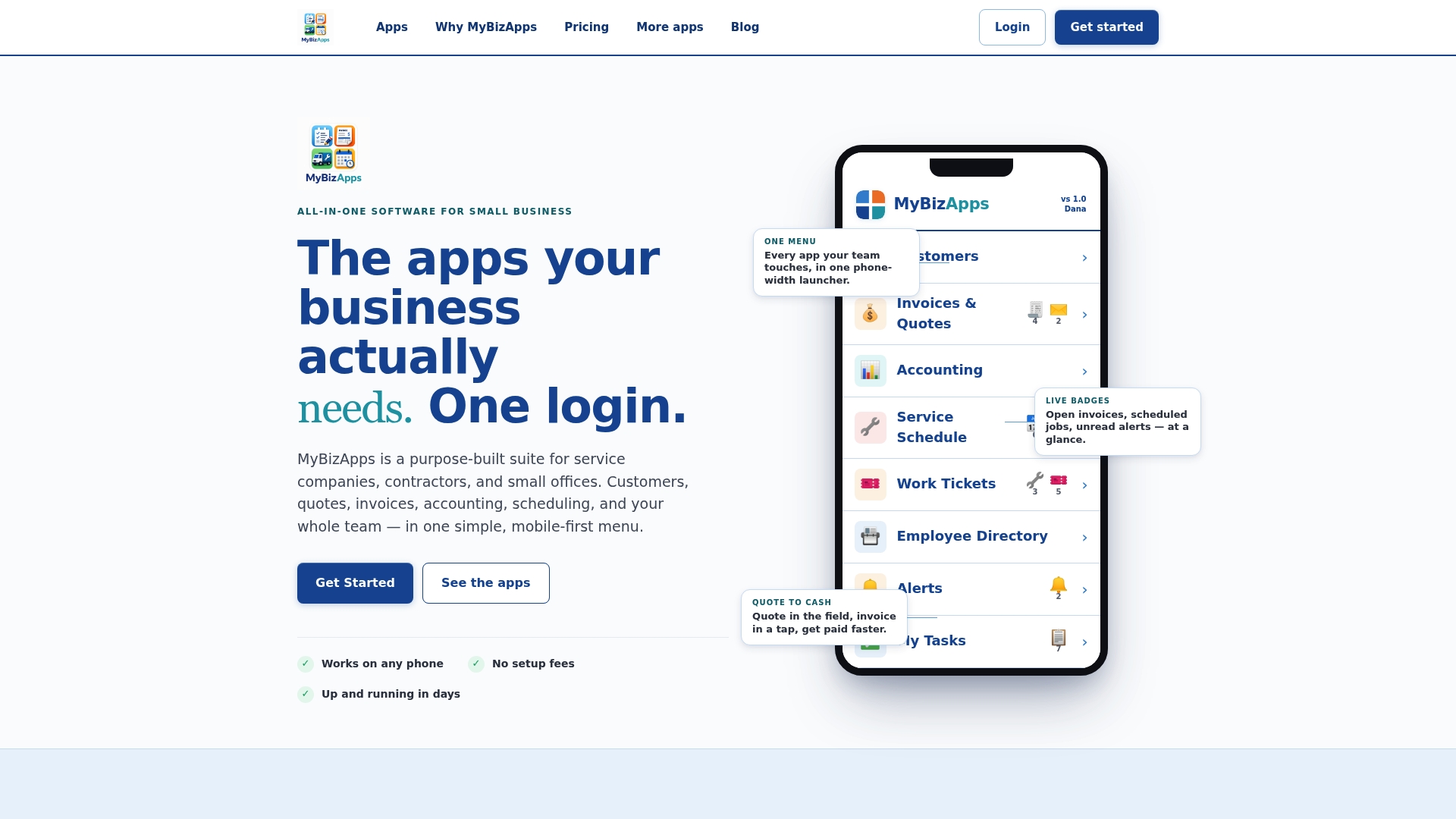
If you want the details first, the price sheet lays out the options, or start from the MyBizApps home page.
A simple monthly routine
You do not need a big process. Once a month:
- Download or sync bank and card activity.
- Categorize every transaction using your one-page guide, splitting mixed purchases.
- Attach receipts, with extra detail on travel, meals and vehicle costs.
- Clear out “Other” and uncategorized items.
- Reconcile to the statements.
- Skim totals by category and ask whether anything looks too high, too low or oddly placed.
Thirty to sixty minutes a month beats a weekend of cleanup before tax time, and your numbers are useful all year, not just in April.
FAQ
How many expense categories does a small business need?
Enough to answer your reporting and tax questions, and no more. Start from the common IRS expense types, add a category only when you will actually look at its total, and keep “Other” small. If you file Schedule C, mirroring its lines keeps year-end work simple.
What is the difference between expense categories and expense codes?
The category is the name, such as Insurance, and the code is the account number your system uses for it. Expense coding means giving each transaction the right code from your chart of accounts. Using the same codes every period keeps reports comparable.
How do I categorize an expense used for both business and personal purposes?
Split it. The IRS says expenses such as vehicle costs that serve both purposes must be divided, and only the business portion is deductible. Record the basis for your split, such as mileage logs for a vehicle, and keep the receipt.
Do I need receipts for every expense?
Keep them for all of them, since they support the amount and purpose. For travel, gifts and car expenses the IRS is explicit: you need records of amount, time, place and business purpose, plus receipts for lodging and any other expense of $75 or more. Ask your tax preparer about your situation.
Sources
- IRS Recordkeeping guidance
- IRS Instructions for Schedule C (Form 1040) (2025)
- IRS Publication 334 (2025), Tax Guide for Small Business
- IRS Income & expenses FAQ
- IRS Publication 463 (2025), Travel, Gift, and Car Expenses
- IRS Instructions for Form 2106 (2025)
- Investopedia, Essential Guide to Expenses
- OpenStax, Identify and Apply Basic Cost Behavior Patterns
- Navan, A guide to automated expense categorization
- Types of Business Laptop Repairs: 2026 Guide